


Category
Lifestyle
Assisted Choices
Apps Introduce Intentional Friction to Curb Impulsive Access to Platforms.
Trend
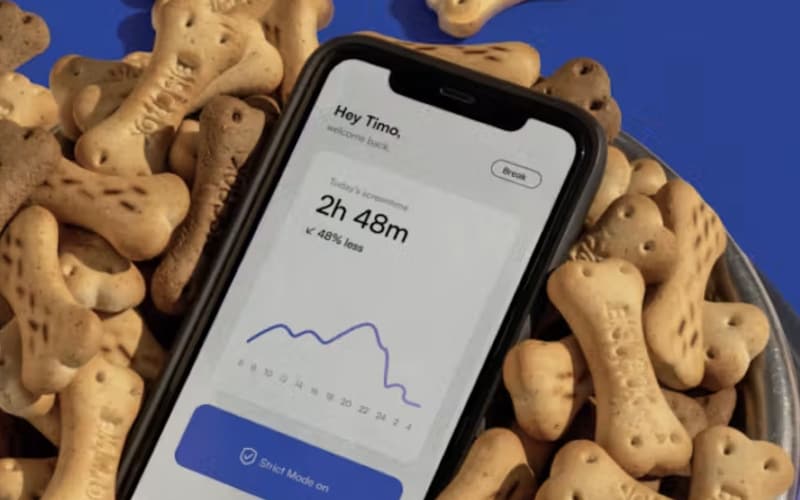
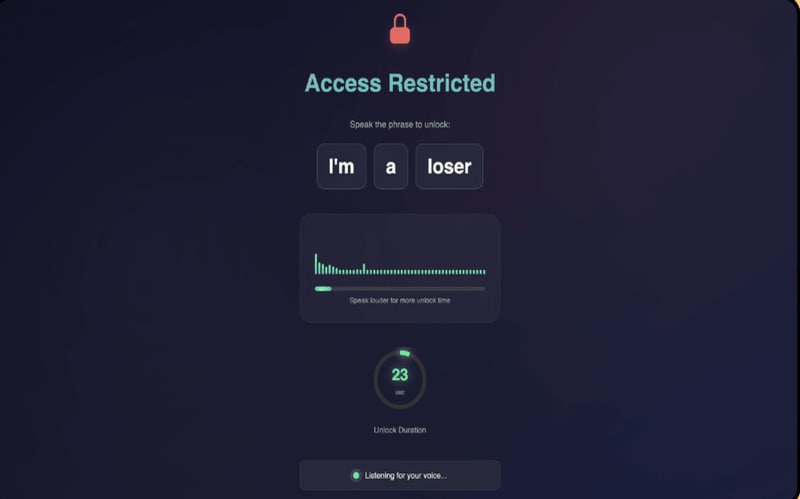
Distraction Blocker: Brands are launching anti‑distraction apps that place deliberate barriers between users and time‑draining sites. These tools provide puzzles, timed locks, jump‑scare deterrents or multi‑step challenges before allowing access, positioned to provide friction to resist impulsive social‑media use.
Insight
Many users feel stuck in cycles of compulsive scrolling, even when they want to focus or disconnect. Traditional blockers often fail because they’re easy to bypass or ignore, and people crave stronger interventions that interrupt automatic habits. High?friction anti?distraction apps address this by forcing negative engagement with puzzles, emotional disruptors or multi?step tasks that break the reflex loop. This helps users feel more in control and more capable of protecting their attention.
Trend themes
Deliberate pauses, puzzles, and access hurdles create room for productivity platforms to shift from passive restriction toward habit-aware systems that interrupt compulsive behavior in real time.
Uncomfortable, humorous, or emotionally jarring deterrents point to new wellness tools that use negative reinforcement as a memorable alternative to conventional screen-time limits.
Voice prompts, physical tasks, and multi-step interactions reveal potential for distraction blockers that make users consciously earn access before returning to high-engagement platforms.
Industry implications
Rising concern around compulsive screen use creates space for services that combine behavioral science, self-regulation, and personalized interventions for healthier technology habits.
Remote and hybrid work environments heighten demand for focus-supporting tools that reduce context switching while integrating into professional workflows and performance systems.
Everyday apps and browser extensions can differentiate through friction-based interaction models that transform attention management into a lightweight, playful, and customizable user experience.
Workshop question
Trend signals
Trend score 4.1 out of 10, from popularity 18%, activity 20%, freshness 84%.
Evidence
Pavlov Helps Users Reduce Impulsive Scrolling with Intentional Delays
Behavioral design features are expanding the category beyond tracking and limits into adaptive interventions that reshape daily device engagement.
Scream To Unlock Blocks Social Media With Voice Based Challenges
The productivity software space is being reshaped by tools that combine behavioral design, browser automation, and sensory feedback to reduce distraction in more personalized and…
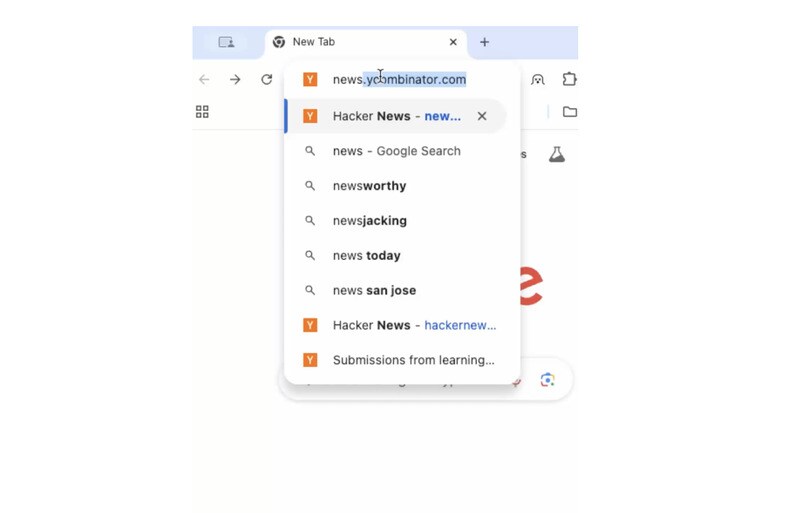
TabBoo Uses Jump Scares To Help Reduce Unproductive Web Browsing
The intersection of technology and behavioral health is presenting new opportunities to create accessible solutions that enhance mental well-being through innovative digital inter…
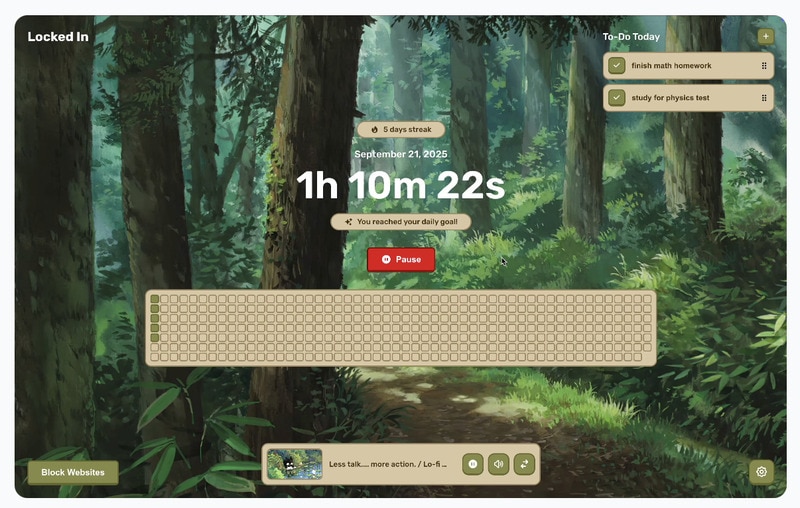
Locked In Helps Eliminate Distractions And Improve Focus
Demand for distraction-mitigating features signals potential disruption by suites that natively integrate focus controls, session analytics, and cross-app enforcement.