

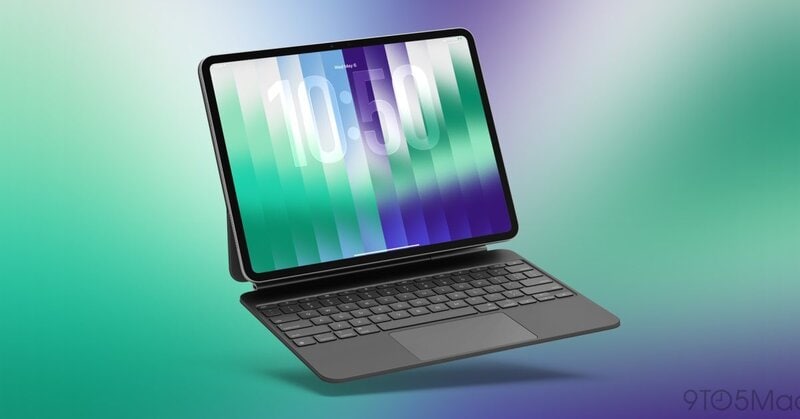
Apple is testing a new iPadOS 27.3 window setting that lets touch-first iPad users double-tap the top edge of an app window to switch between fullscreen and the last size. The option appears in the beta release under Multitasking & Gestures for iPads already using Windowed Apps.
With the setting on, two taps on a window header or a double-click on the trackpad expands the app to fill the screen, and the same action restores the earlier layout. That gives touch-first users a quicker resize method when the top-left window buttons shift position or disappear on smaller windows.
The double-tap zoom setting moves a common window command off small on-screen buttons and onto a gesture, which suits iPad owners who use touch more than keyboard shortcuts. In beta, the change tightens windowed multitasking with a small behavior tweak instead of another broad interface remake.
Image Credit: 9to5Mac
Key Themes Behind This Trend
- Gesture-first Multitasking
- Touch-based window controls create room for interfaces that reduce dependence on small buttons and keyboard shortcuts across productivity devices.
- Adaptive Window Controls
- Dynamic resizing behaviors highlight opportunities for software that preserves workflow continuity as users move between compact and fullscreen layouts.
- Incremental Interface Refinement
- Small usability upgrades in mature operating systems can differentiate platforms by making complex multitasking feel simpler and more intuitive.
Where This Applies
- Consumer Electronics
- Tablet and hybrid device makers can gain advantage through hardware-software experiences that make professional workflows easier for touch-first users.
- Productivity Software
- App developers are positioned to design window-aware tools that respond fluidly to changing screen states and multitasking habits.
- User Experience Design
- Interface design services can address growing demand for gesture systems that improve accessibility, discoverability, and speed in everyday computing.