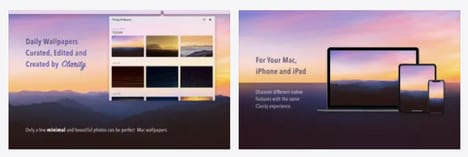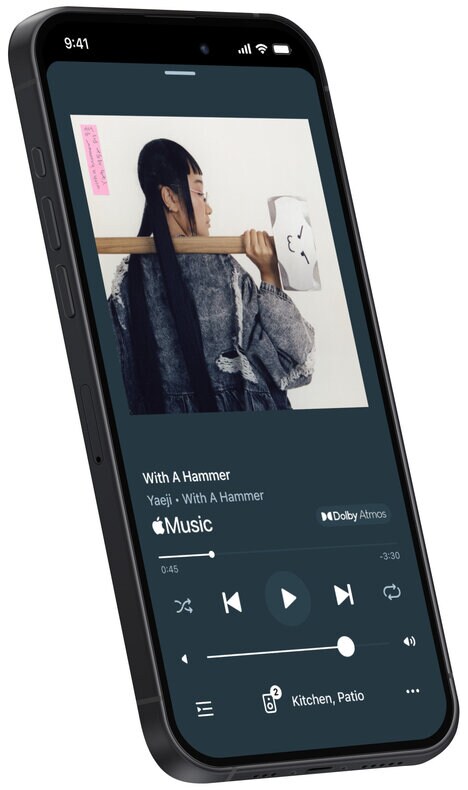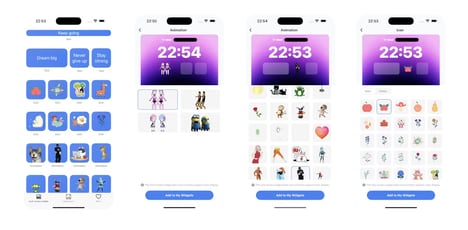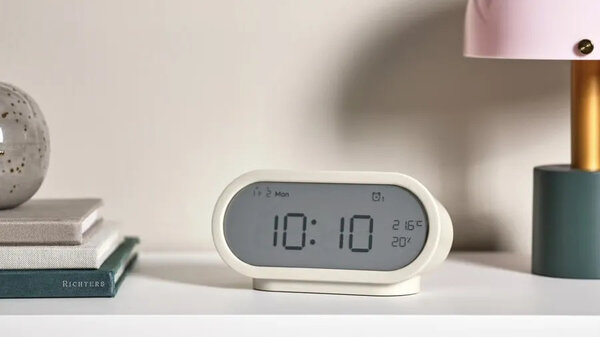
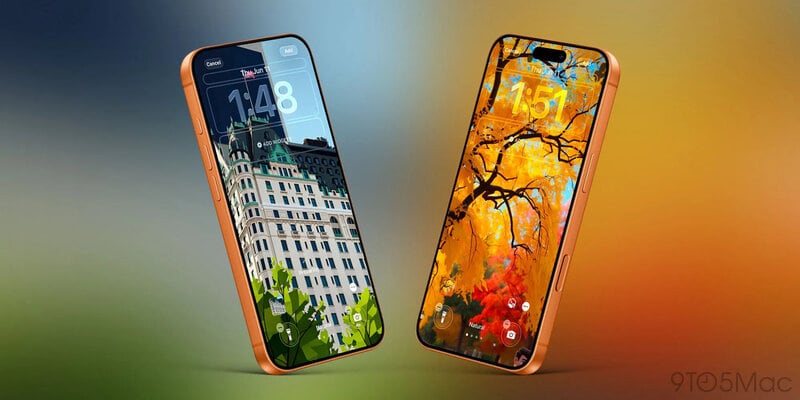
iOS 27 gives iPhone owners more ways to shape the look of their Lock Screen. Apple adds new wallpaper controls, a movable clock, and an option to hide the Now Playing widget, so the screen can work more like a personal display than a fixed utility panel.
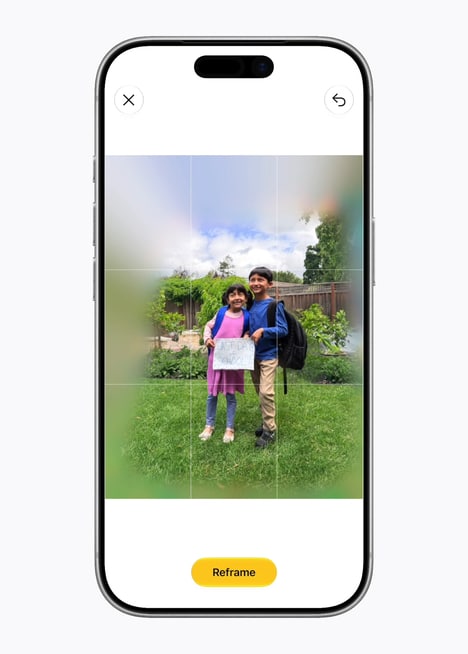
One standout is Extend, which uses AI to generate extra image content around the edges of a photo so it fits the wallpaper shape better. Image Playground also feeds into the Lock Screen, letting people create stylized wallpapers from Photos images or type a prompt to make one from scratch.
For consumers, this means the Lock Screen can now reflect the wallpaper they want without as many layout compromises. It also makes the time, music, and image balance feel more adjustable, which should suit people who treat the front screen as part identity and part dashboard.
Image Credit: Apple
Why This Trend Is Growing
- AI-expanded Wallpapers
- Generative image extension turns personal photos into adaptive screen assets, creating space for brands and creators to offer context-aware visual templates.
- Identity-driven Interfaces
- Lock screens are shifting from static utilities into self-expression surfaces, opening room for personalized digital goods and lifestyle-based interface design.
- Modular Glance Displays
- Movable clocks and optional widgets signal a more flexible dashboard model where users can prioritize aesthetics, information, or media presence.
Industries Being Reshaped
- Mobile Software
- Operating systems are embedding deeper personalization controls that could reshape user engagement around everyday interface touchpoints.
- Digital Design
- Wallpaper creation and stylized visual tools expand demand for adaptive assets that fit multiple screen layouts and personal aesthetics.
- Consumer Electronics
- Smartphone hardware experiences increasingly depend on customizable front-screen interactions that differentiate devices beyond performance specs.