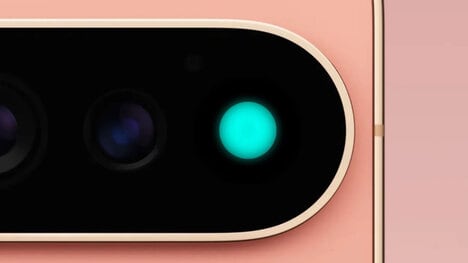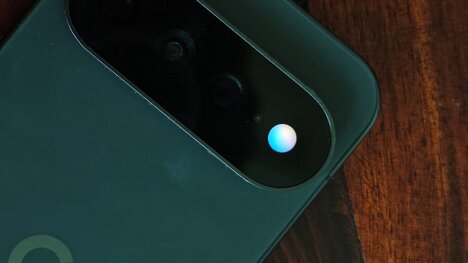


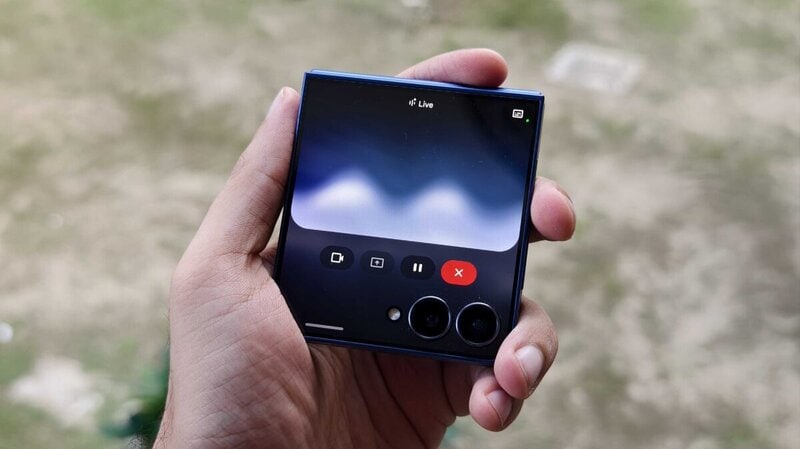
Google is testing a new look for Gemini Live, replacing its familiar pill-shaped audio visualizer with a circular button surrounded by a glowing blue background. Animated dots add movement to the screen, giving users a clearer visual cue when interacting with the voice-based AI assistant.
The redesign follows an earlier layout that used a waveform animation alongside a separate mute button for voice replies. The new circular design puts the main audio control front and centre, while the moving dots provide a visual indication of the ongoing interaction without taking up too much screen space.
For now, the changes appear to focus on appearance rather than adding new voice features. Still, the updated design gives Gemini Live a more streamlined interface as Google continues to refine how people interact with its assistant through conversation.
Image Credit: Prakhar Khanna, Android Authority
Key Themes Behind This Trend
- Ambient Voice Feedback
- Subtle motion cues and glowing visualizers create clearer interaction states for AI assistants while preserving screen simplicity.
- Minimal Conversational Interfaces
- Compact controls and streamlined layouts reflect a shift toward less intrusive voice experiences across mobile and connected devices.
- AI Interaction Cues
- Animated interface elements help users understand when systems are listening, processing, or responding, improving trust in conversational tools.
Where This Applies
- Artificial Intelligence
- Voice-first assistant design is expanding opportunities for more intuitive AI experiences centered on real-time conversation.
- Mobile Technology
- Refined audio controls and compact visual feedback support more seamless assistant interactions within limited smartphone screen space.
- User Experience Design
- Evolving visual patterns for voice interfaces introduce new ways to make invisible AI processes feel responsive and understandable.