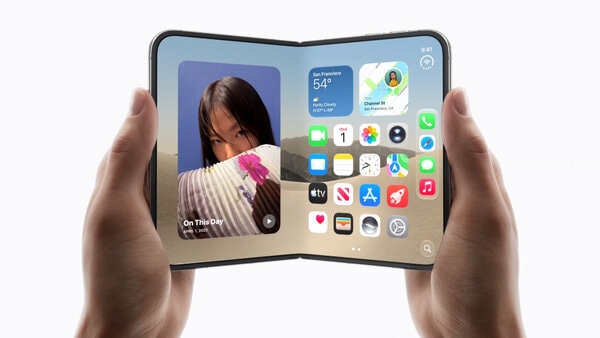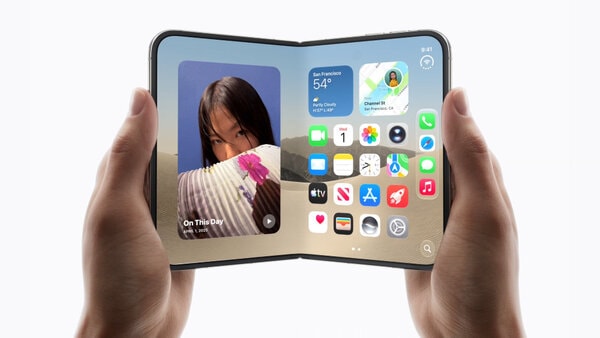


Apple introduced a new wave of Apple Intelligence-powered accessibility features that bring on-device AI enhancements to tools including VoiceOver, Magnifier, Voice Control and Reader. The updates add richer contextual assistance through features like Image Explorer for detailed screen descriptions, Live Recognition accessible through the iPhone Action button and natural-language navigation that lets users control devices by describing what they see on-screen.
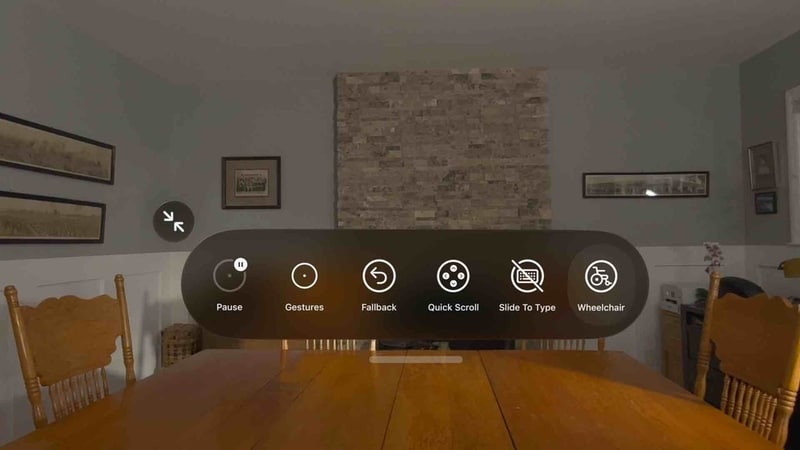
The rollout also includes automatic on-device caption generation for uncaptioned videos and streams, upgraded Reader support for navigating complex documents and expanded communication tools such as ASL interpreter support in FaceTime and smoother Made for iPhone hearing-aid handoffs. Apple Vision Pro also gained eye-tracking controls that enable some power wheelchair users to steer mobility devices in controlled environments with reduced calibration requirements.
For users with vision, hearing and mobility challenges, the features create more conversational and context-aware interactions while preserving privacy through local AI processing. The updates reflect Apple’s broader push toward adaptive, real-time accessibility experiences powered by on-device intelligence.
Image Credit: Apple
Why This Trend Is Growing
- On-device AI Accessibility
- Localized machine learning models enable privacy-preserving, real-time assistive features that can be embedded directly into personal devices for low-latency user support.
- Natural-language Interface Navigation
- Conversational descriptions of on-screen content create potential for interfaces that interpret freeform user language to perform complex navigational tasks.
- Assistive Multimodal Recognition
- Integrated image, audio and eye-tracking cues offer richer contextual understanding that can tailor accessibility responses to simultaneous sensory inputs.
Industries Being Reshaped
- Consumer Electronics
- Device manufacturers stand to benefit from differentiating products with built-in adaptive accessibility that leverages on-device AI for seamless user experiences.
- Healthcare & Rehabilitation
- Clinical and mobility solutions can be augmented by eye-tracking and AI-driven assistive controls that reduce calibration needs for patients with limited motor function.
- Education & Accessibility Services
- Learning platforms and document readers could incorporate automated captioning and contextual descriptions to broaden access for students with sensory or cognitive impairments.