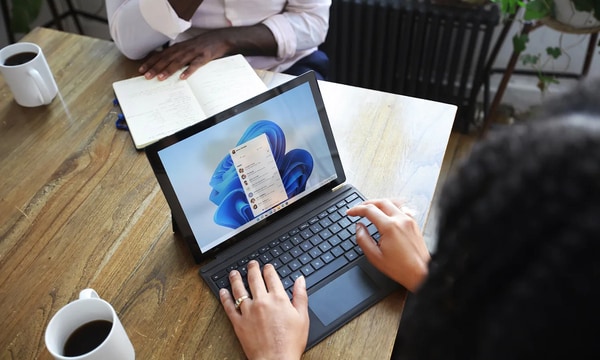


Microsoft is making Windows 11 easier to live with by adding a checkbox that turns off the Sticky Keys prompt from the pop-up itself. The change lets users stop the window that appears after pressing Shift five times, while still keeping the accessibility feature available when needed.
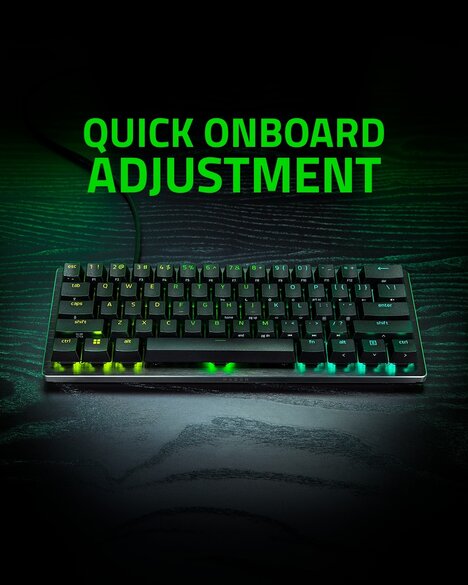
The new checkbox reads “never turn on Sticky Keys with this shortcut,” so one click can keep the prompt from returning. It is currently limited to Windows Insider members as an experimental beta, with broader release still ahead. That kind of direct control trims a long-standing nuisance for people who use Shift constantly in games and everyday PC work.
By moving the setting into the prompt, Microsoft reduces the number of menu steps needed to silence a repeated interruption. It also makes accessibility controls easier to manage without burying them deeper in Settings.
Image Credit: Microsoft
What's Driving This Trend
- Inline Accessibility Controls
- Built-in accessibility settings placed directly inside system prompts create room for more intuitive personalization across operating systems and productivity tools.
- Interruptive Prompt Reduction
- Less intrusive notification and shortcut management reflects demand for software experiences that minimize friction during gaming, work, and everyday device use.
- Contextual Settings Access
- Settings embedded at the moment of user frustration reveal opportunities for adaptive interfaces that solve problems without forcing navigation through complex menus.
Who This Affects Most
- Operating Systems
- Desktop platforms can differentiate through small usability refinements that make core system behaviors easier to control and less disruptive.
- Gaming Technology
- Frequent keyboard use in gaming highlights the value of configurable system shortcuts that avoid accidental interruptions during high-focus sessions.
- Accessibility Software
- Assistive feature design benefits from controls that preserve availability while giving users clearer authority over when prompts and shortcuts appear.