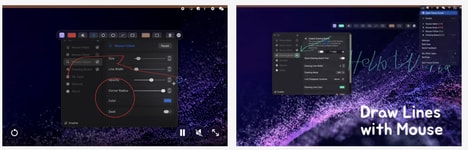


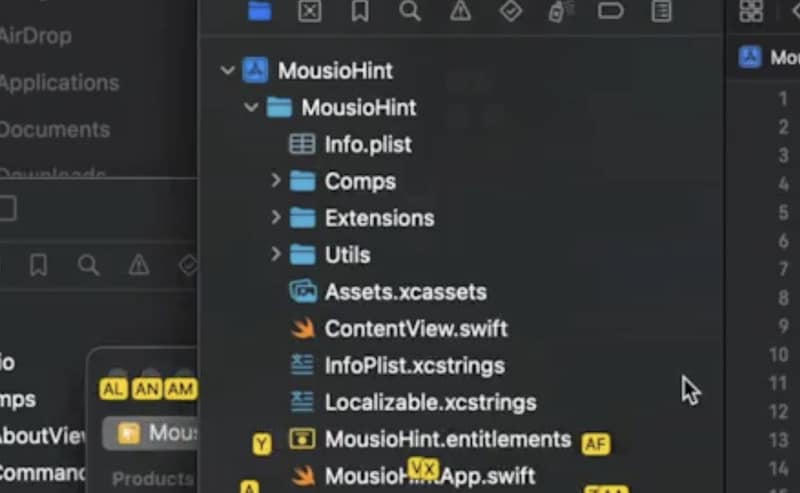
Navigating digital interfaces often involves repetitive mouse movements that can slow down workflows and reduce productivity. Mousio Hint helps users interact with on-screen elements more efficiently by displaying keyboard shortcut hints directly on the interface. Designed as a companion tool for Mousio, it allows users to quickly identify shortcuts and move through applications with fewer manual clicks.
The tool works alongside features such as scroll control, cursor movement, and grid positioning to create a faster, more streamlined navigation experience. By making keyboard commands easier to discover, Mousio Hint helps users build more efficient workflows and reduce reliance on traditional mouse interactions. Whether improving accessibility, speeding up everyday tasks, or optimising computer use, the tool provides a practical way to enhance digital productivity. Mousio Hint gives users greater control over their screens by turning visible interface elements into quick, keyboard-driven actions.
Image Credit: Mousio Hint
What's Driving This Trend
- Keyboard-driven Navigation
- Interface layers that expose shortcut paths can reduce friction in software use and create new value around faster, mouse-free digital workflows.
- Contextual Shortcut Discovery
- Embedded command hints make complex applications easier to learn, opening opportunities for productivity tools that adapt guidance to visible on-screen elements.
- Accessibility-first Productivity
- Assistive navigation features are expanding beyond niche use cases as inclusive design becomes a mainstream driver of efficient computer interaction.
Who This Affects Most
- Productivity Software
- Workflow platforms can differentiate through intelligent command overlays that shorten task completion times across everyday business applications.
- Assistive Technology
- Digital accessibility providers have room to develop navigation systems that support users with mobility constraints while improving usability for broader audiences.
- Human-computer Interaction
- Interface design specialists are positioned to explore hybrid control models that combine visual cues, keyboard inputs, and adaptive navigation logic.