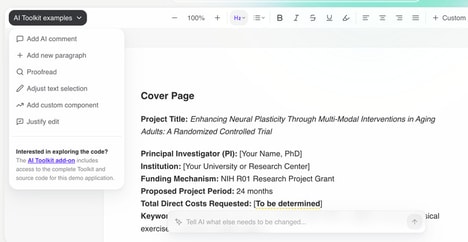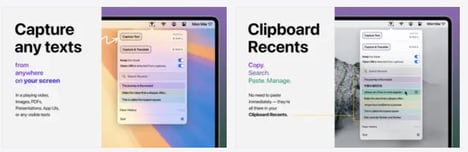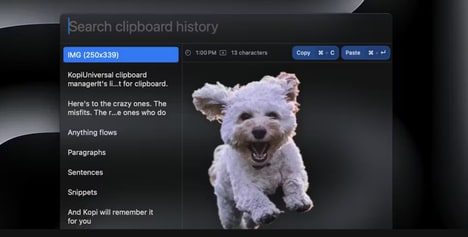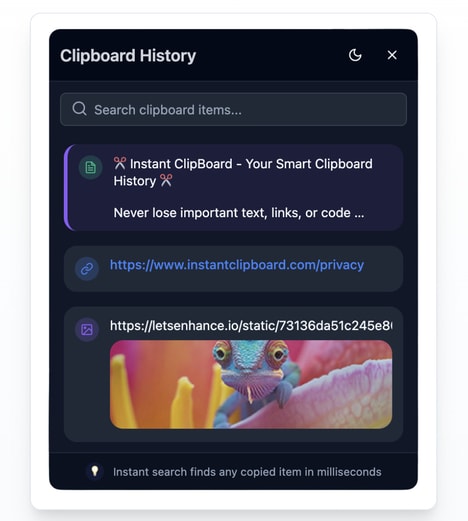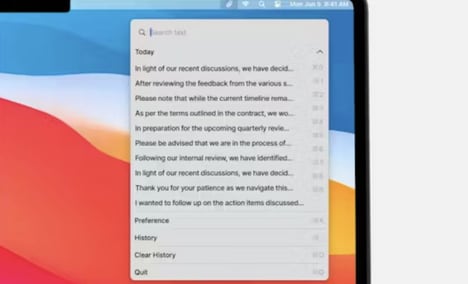
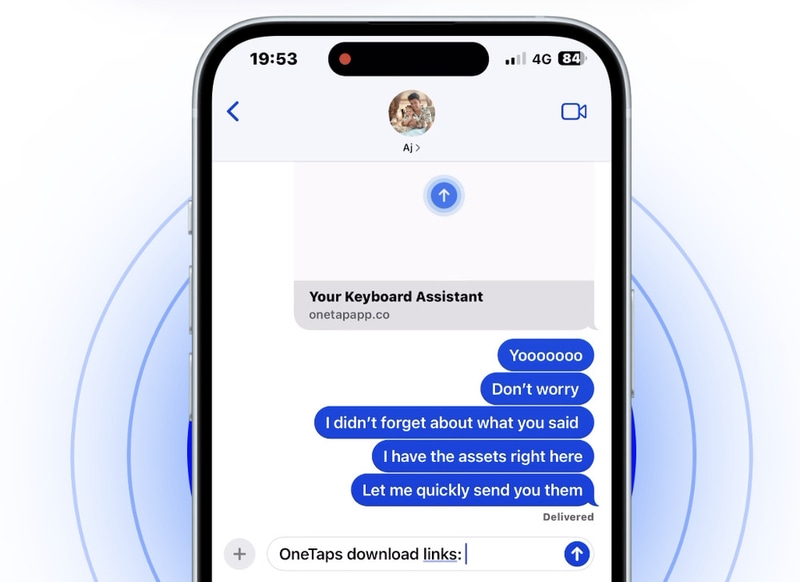
OneTap Clipboard App is a productivity tool designed to streamline how users copy, store, and paste digital content across devices. By integrating shortcuts directly into frequently used interfaces — such as mobile keyboards, desktop menu bars, and spatial computing environments — it reduces friction in everyday workflows.
Users can quickly access links, files, images, and text without switching between applications, supporting faster task execution and improved multitasking. The inclusion of an AI shortcut also reflects the growing integration of conversational tools into daily productivity systems. From a business perspective, tools like this highlight a shift toward micro-efficiency solutions that save time through interface optimization rather than complex feature expansion. As workflows become increasingly cross-platform, persistent, always-accessible utilities may play a larger role in helping professionals maintain momentum and reduce interruptions during digital work.
Image Credit: OneTap Clipboard App
What's Driving This Trend
- Cross-platform Clipboard Integration
- Persistent, synchronized clipboards across devices enable seamless context carrying that can reduce app switching and reshape session continuity for knowledge workers.
- AI-enhanced Shortcut Interfaces
- Conversational and predictive shortcuts embedded in input surfaces can surface relevant content and automate routine paste actions, altering how users interact with information pipelines.
- Micro-efficiency Productivity Tools
- Lightweight utilities focused on eliminating small frictions can compound into measurable time savings and create demand for composable, interoperable workflow components.
Who This Affects Most
- Productivity Software
- Clipboard-first features offer a new product axis that can differentiate suites by enabling faster content reuse and tighter in-context task completion.
- Enterprise It and Collaboration
- Secure, cross-device paste and snippet management capabilities can change information governance and employee workflow design in large organizations.
- Spatial Computing and Ar/vr
- Always-accessible paste utilities embedded in spatial interfaces can redefine interaction models by allowing users to transfer 2D and 3D assets without breaking immersion.