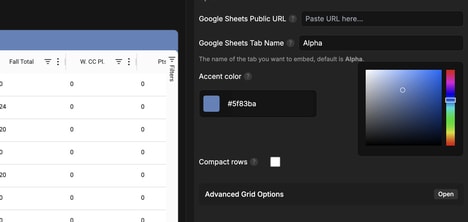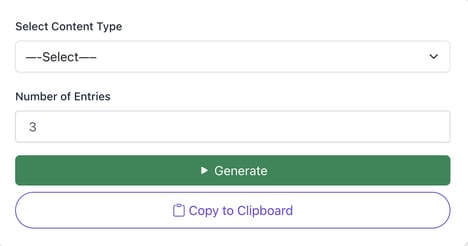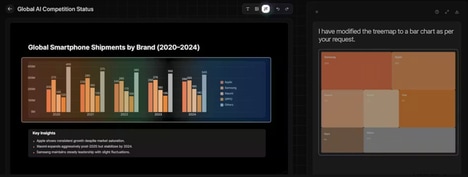


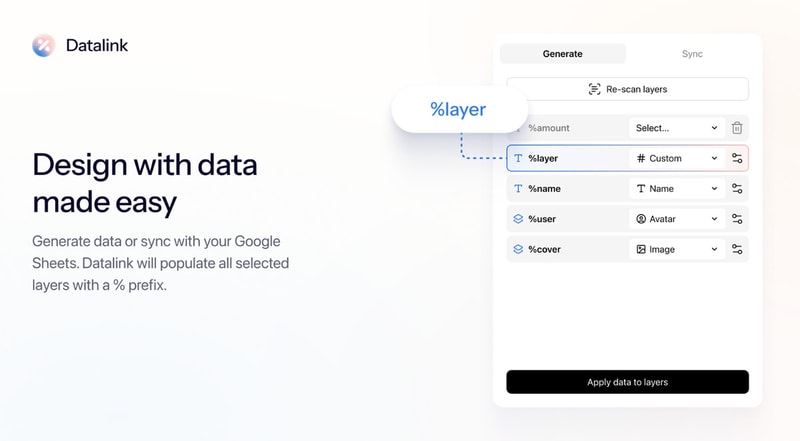
Creating realistic designs often requires manually adding placeholder content, which can slow down the creative process and make prototypes feel less authentic. Datalink is a design plugin that helps users populate design layers with realistic data quickly and efficiently. Designers can generate data directly within the plugin or connect it with Google Sheets to sync existing information into their projects.
The tool helps teams create more realistic prototypes, user interfaces, and product experiences without spending time manually entering sample content. Whether designing apps, websites, dashboards, or digital products, Datalink makes it easier to test and present concepts with accurate-looking information. By automating the process of adding realistic content, the plugin helps designers work faster while creating more polished and believable designs.
Image Credit: Datalink
What Makes This Trend Stand Out
- Automated Mockup Population
- Realistic content insertion reduces repetitive design work while opening space for faster prototype validation and higher-fidelity product storytelling.
- Spreadsheet-connected Design
- Linking design tools with live spreadsheet data creates opportunities for more dynamic workflows where teams can test interfaces using current, structured information.
- Realistic Prototype Acceleration
- High-fidelity sample data makes early concepts feel production-ready, supporting clearer stakeholder feedback and more reliable usability testing.
Sectors Adopting This
- Design Software
- Plugin-based automation is reshaping creative platforms by turning manual layout preparation into a faster, data-aware design process.
- User Experience Design
- More authentic interface prototypes enable UX teams to evaluate flows, content density, and edge cases before engineering resources are committed.
- Product Development
- Data-driven design mockups strengthen collaboration across product, design, and business teams by making early digital experiences more representative of real use.