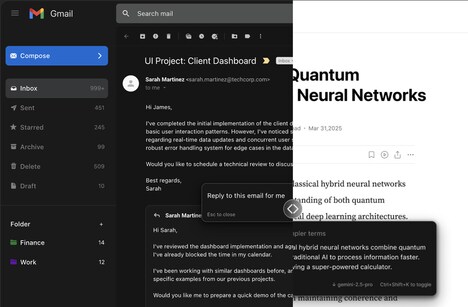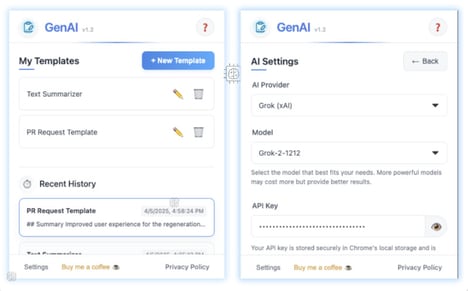
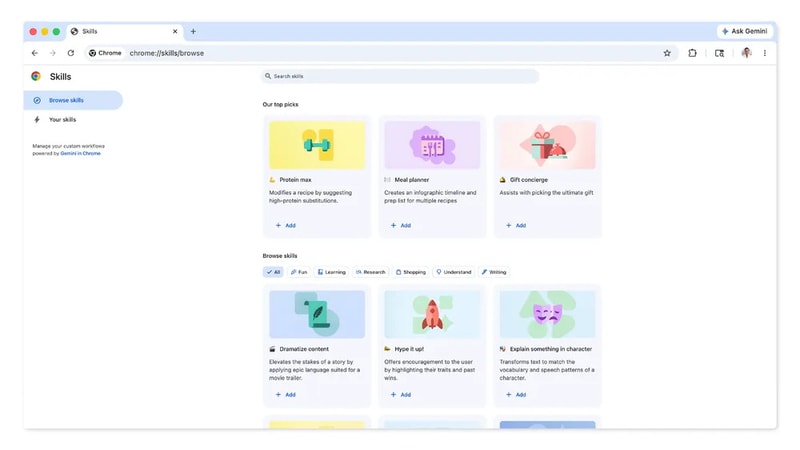
Google Chrome’s new AI Skills feature introduces a more efficient way for users to interact with artificial intelligence while browsing. Instead of repeatedly typing the same prompts on different pages, users can now save and reuse them as one-click tools that work across tabs. This allows for faster actions like comparing product specifications, summarizing long articles or extracting key insights without interrupting the browsing experience. By integrating these capabilities directly into the browser, Chrome transforms AI from a reactive tool into a persistent, workflow-driven assistant.
This shift signals a move toward streamlined digital productivity and reduced friction in everyday tasks. Brands and platforms may need to adapt their content to be more easily processed by AI tools that scan multiple pages at once. This also creates opportunities for companies to design services and interfaces that align with automated workflows, improving user retention and engagement. As consumers grow accustomed to faster, more intuitive browsing, expectations around speed, clarity and convenience will continue to rise.
Image Credit: Google
Why This Trend Is Growing
- Persistent Browser AI
- By embedding AI as a constant presence in the browser, user expectations around uninterrupted, context-aware assistance create room for new background-driven personalization models.
- Reusable Prompt Libraries
- Saved, shareable prompts that function across pages enable standardized, repeatable interactions that can transform how knowledge and task templates are distributed and monetized.
- Cross-tab Automation
- Automation that aggregates and acts on content from multiple tabs opens possibilities for unified, multi-source workflows that replace manual comparative and extraction tasks.
Industries Being Reshaped
- E-commerce
- Shoppers benefiting from one-click comparisons and summarized product insights encourage the development of AI-native product metadata and dynamic recommendation formats.
- Content Publishing
- Publishers facing AI tools that summarize and extract key points may pivot toward structured, machine-readable content and subscription models centered on data-rich feeds.
- Saas Productivity Tools
- Enterprise apps that integrate reusable browser AI workflows could redefine collaboration features by surfacing contextually relevant automations and shared templates across teams.