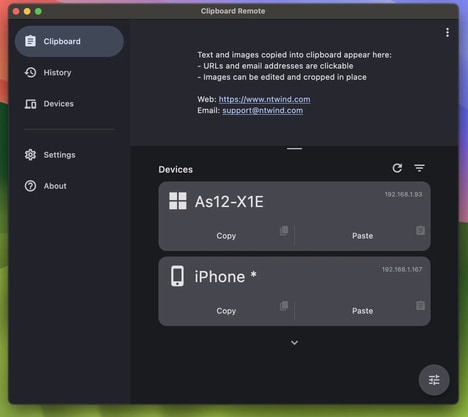
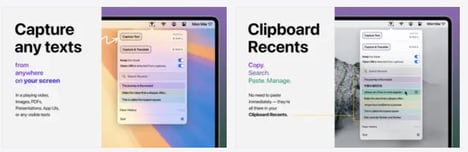
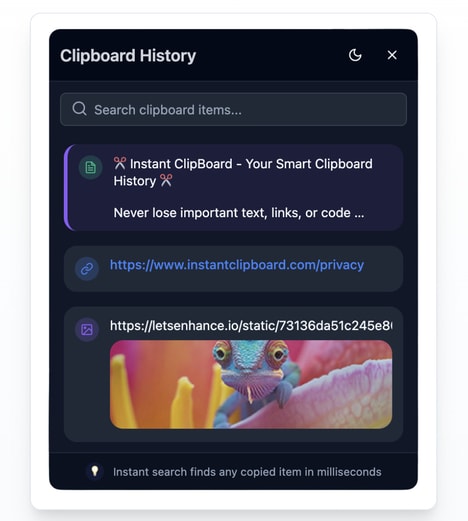
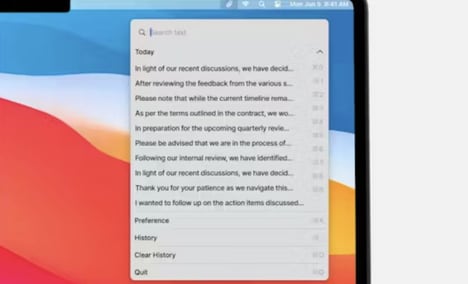
Copying and pasting content is a core part of everyday computer use, but standard clipboard systems typically store only the most recent item -- Clipboard CopyPaster expands this functionality by maintaining a detailed history of copied items, including text, links, images, and notes.
The tool allows users to revisit and reuse previously copied content, reducing repetition and improving workflow efficiency. By storing multiple entries, it provides a more flexible way to manage information across tasks and applications.
Beyond simple history tracking, the app can also be used for organizing frequently used snippets or saving temporary notes during work sessions. This makes it useful for users who handle repetitive copying tasks or work across multiple documents and platforms.
Image Credit: Clipboard CopyPaster
Why This Trend Is Growing
- Clipboard History Management
- Persistent multi-format clipboard records create new potential for lightweight knowledge capture that sits between note-taking apps and operating-system utilities.
- Snippet-based Productivity
- Reusable text, link, image, and note fragments are reshaping repetitive digital work by turning everyday copying behavior into a structured workflow asset.
- Cross-app Workflow Tools
- Software that bridges content across documents, browsers, and platforms points to demand for ambient productivity layers that reduce friction without replacing existing applications.
Industries Being Reshaped
- Productivity Software
- Expanded clipboard functionality represents a path for productivity platforms to differentiate through micro-automation features embedded in routine computer interactions.
- Enterprise Collaboration
- Teams handling repeated content, shared references, and standardized responses could benefit from centralized snippet systems that improve consistency across distributed work.
- Operating Systems
- Native clipboard experiences may evolve into richer information hubs as users expect searchable history, media support, and contextual reuse across devices.