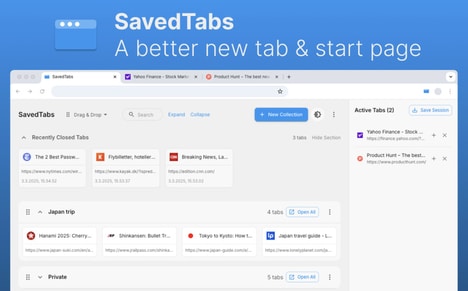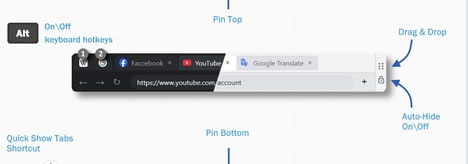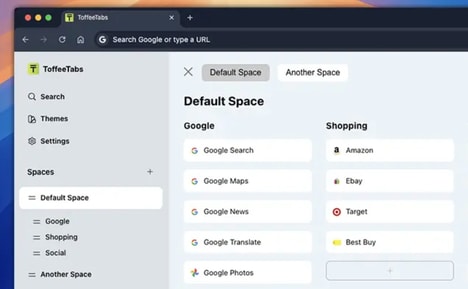


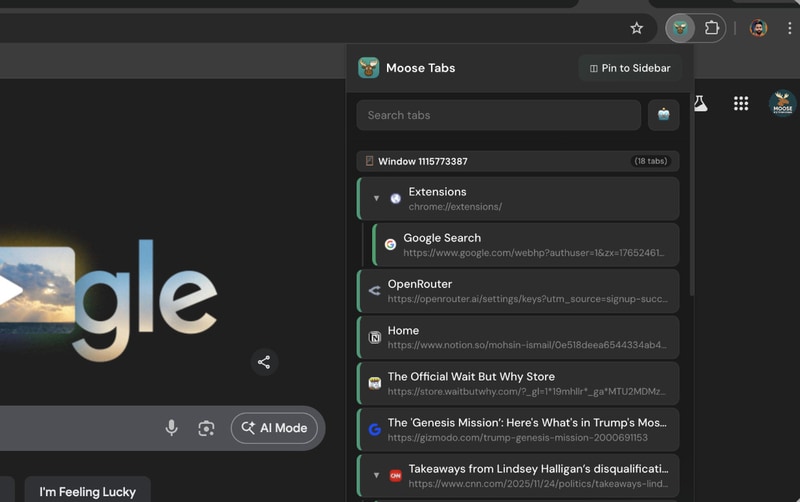
Managing dozens of browser tabs can quickly become overwhelming, making it difficult to find information and maintain an organized workflow, which is why Moose Tabs is a Chrome tab management tool designed to help users visualize, organize, and navigate their open tabs more efficiently.
The extension displays tabs in a tree-style sidebar, showing relationships between tabs based on how they were opened. Users can rearrange tabs with drag-and-drop, search through open pages, and group related tabs together for a cleaner browsing experience.
Moose Tabs is designed for researchers, developers, students, and anyone who regularly works with many browser tabs. By turning scattered tabs into a structured visual workspace, it helps users reduce clutter and stay focused while browsing.
Image Credit: Moose Tabs
Why This Trend Is Growing
- Visual Tab Workspaces
- Browser productivity tools are evolving into spatial interfaces that make digital clutter easier to interpret, creating openings for workflow platforms that turn fragmented browsing into structured knowledge environments.
- Contextual Browser Organization
- Tree-based tab mapping highlights the growing value of preserving relationships between opened pages, suggesting opportunities for smarter browsers that understand research paths and task context.
- Lightweight Focus Tools
- Productivity software is shifting toward simple extensions that reduce cognitive load without replacing existing workflows, enabling focused micro-tools for students, developers, and knowledge workers.
Industries Being Reshaped
- Productivity Software
- The demand for cleaner digital workspaces points to new potential in tools that organize high-volume browser activity into more manageable, visually navigable systems.
- Web Browsers
- As users increasingly treat browsers as primary work hubs, built-in or extension-based tab intelligence can differentiate platforms through better navigation, grouping, and session management.
- Education Technology
- Students managing research-heavy assignments benefit from structured browsing aids, opening space for study platforms that integrate source organization directly into everyday web exploration.