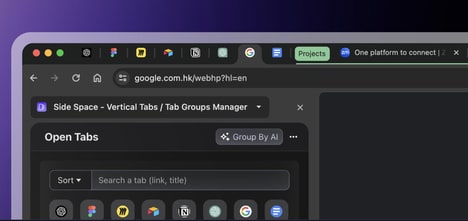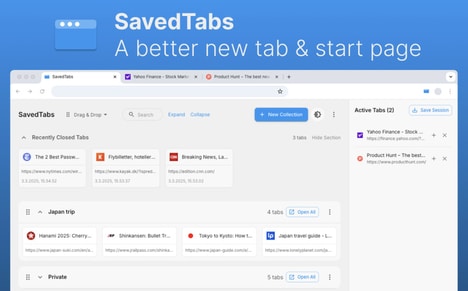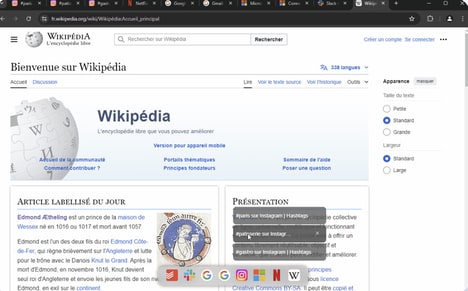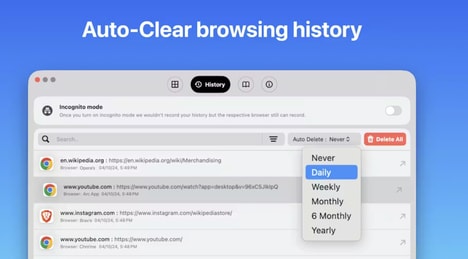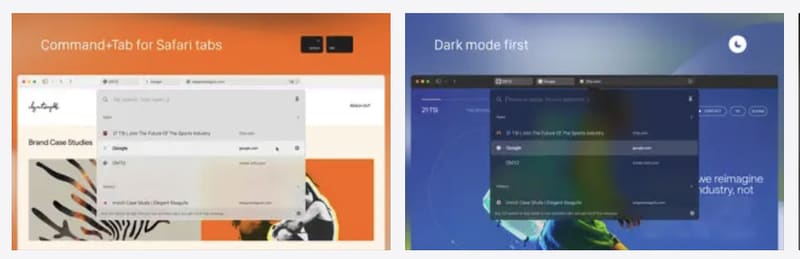
Tab Finder Lite is a Safari browser extension designed to streamline tab navigation for users managing multiple open pages. It allows users to quickly switch between tabs using a customizable keyboard shortcut, with the default set to Option+Tab.
The extension mirrors functionality found in other browsers, such as the Command+Shift+A shortcut in Google Chrome, providing a familiar workflow for cross-browser users. By reducing the time spent manually searching through tabs, Tab Finder Lite aims to improve efficiency and productivity, particularly for professionals and power users who frequently work with numerous open webpages. The free version offers essential tab-switching features without additional configuration, making it accessible to a wide audience. Users can adjust the shortcut to fit personal workflow preferences, enhancing usability within the Safari ecosystem.
Image Credit: Tab Finder Lite
Why This Trend Is Growing
- Keyboard-driven Navigation
- There is increasing preference for keyboard-centric controls that compress navigation time for power users and create openings for minimal-latency input-driven interfaces.
- Cross-browser Workflow Parity
- A desire for consistent shortcuts and features across browsers is motivating interoperable tooling that could upend proprietary UX silos and standardize tab management behaviors.
- Lightweight Accessibility Extensions
- Growing interest in small, no-friction extensions highlights potential for ultra-light utilities that improve discoverability and usability without heavy permissions or performance trade-offs.
Industries Being Reshaped
- Browser Extensions
- The extension ecosystem is poised for modular, privacy-preserving components that redefine how users customize browsing workflows and challenge monolithic plugin models.
- Enterprise Productivity Software
- Enterprises are showing demand for integrated navigation efficiencies that could transform employee multitasking setups and shift investment toward low-overhead workflow enhancers.
- Accessibility and UX Design
- User experience teams are increasingly focused on keyboard accessibility and discoverable controls, creating scope for new interaction paradigms that make complex sessions more manageable.