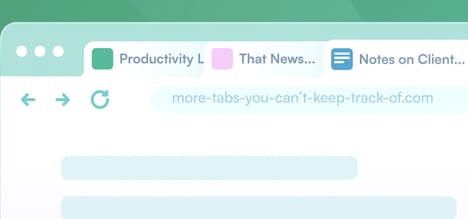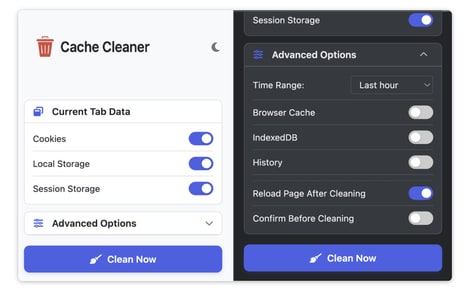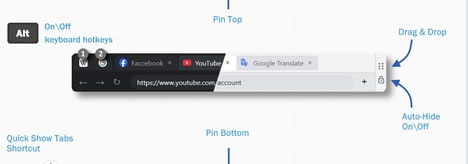

Modern browsing often leads to excessive open tabs, which can consume significant system memory and slow down performance -- Tab Hibernator is a Chrome extension designed to optimize browser efficiency by managing inactive tabs through automatic hibernation.
The tool works by temporarily suspending unused tabs, freeing up RAM and improving overall browser speed without permanently closing anything. Users can restore hibernated tabs instantly whenever they need them again. It also includes features such as whitelisting, allowing important tabs to remain active, and customizable rules for how and when tabs should be put to sleep. This gives users more control over performance management.
Tab Hibernator is built for users who work with many open tabs, such as developers, researchers, and multitaskers. By reducing memory load, it helps maintain a smoother and more responsive browsing experience.
Image Credit: Tab Hibernator
Why This Trend Is Growing
- Automated Tab Hibernation
- Background suspension features create opportunities for browsers and extensions to reduce memory waste while preserving uninterrupted multitasking workflows.
- Personalized Performance Controls
- Custom rules, whitelists, and usage-based settings signal a shift toward user-directed optimization that adapts productivity software to individual work patterns.
- Lightweight Productivity Utilities
- Small browser tools are becoming high-impact performance layers as professionals seek faster digital workspaces without replacing their existing systems.
Industries Being Reshaped
- Browser Software
- Memory-aware browsing capabilities point to new differentiation models for browser platforms competing on speed, responsiveness, and workflow continuity.
- Productivity Technology
- Task-heavy professionals create demand for optimization products that quietly manage digital clutter and improve focus across web-based work environments.
- Enterprise Software
- Centralized tab and resource management presents potential for IT teams to improve device performance, reduce support friction, and extend hardware usability.