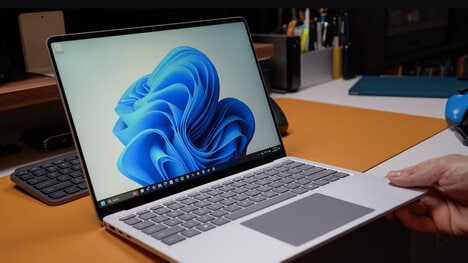


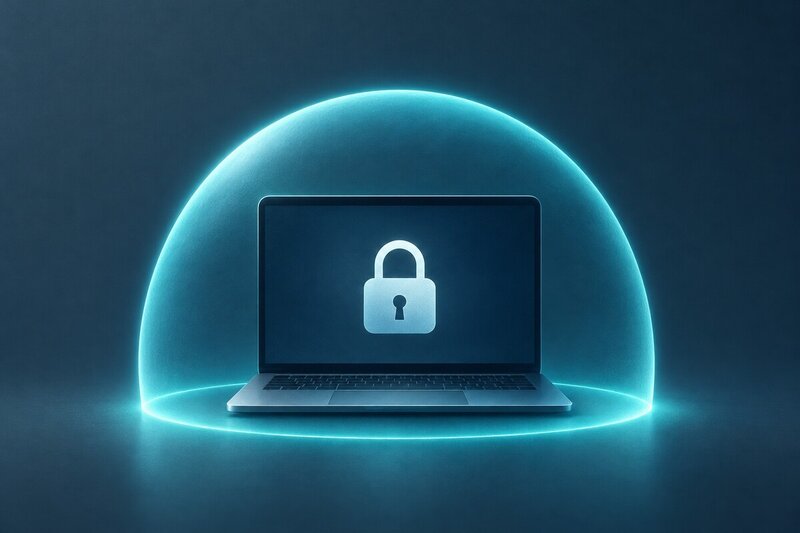
Microsoft is testing a remote lock option for Intune-managed Windows hardware that lets IT administrators cut off sign-ins on a missing or stolen laptop or phone without erasing it. Users still keep the same Microsoft account on other hardware, so recovery and password changes can happen elsewhere.
The hold remains after a restart and stays until an admin clears it, even when the device is off Wi‑Fi. It works alongside Intune and BitLocker, blocking entry with a password or PIN, but it does not sever corporate network access or stop booting through Safe Mode.
Restart-proof locking turns remote security into a containment step for companies managing Windows fleets, not just a full wipe after a loss. Keeping account access open on other machines also makes the feature less disruptive when the hardware might still be recovered.
Key Themes Behind This Trend
- Restart-proof Device Locking
- Persistent login blocks create new room for fleet security tools that preserve recoverable hardware while reducing exposure from misplaced endpoints.
- Non-destructive Loss Response
- Security workflows are shifting toward containment measures that protect corporate data without defaulting to full device wipes or broad account disruption.
- Remote Endpoint Containment
- Offline-capable administrative controls highlight opportunities for endpoint platforms to manage stolen or missing hardware beyond network-dependent commands.
Where This Applies
- Enterprise Mobility Management
- Device management providers can differentiate through granular loss-response features that balance security, employee continuity, and asset recovery.
- Cybersecurity Software
- Endpoint protection ecosystems gain space for layered controls that combine encryption, identity access, and physical device containment.
- Corporate IT Services
- Managed service teams face growing demand for practical laptop and mobile fleet safeguards that minimize operational disruption during theft or loss events.