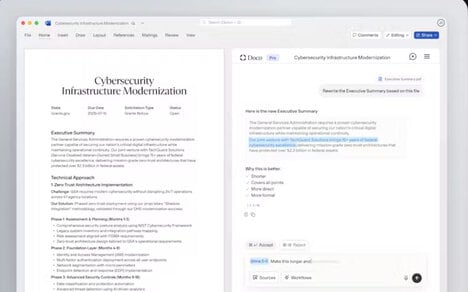


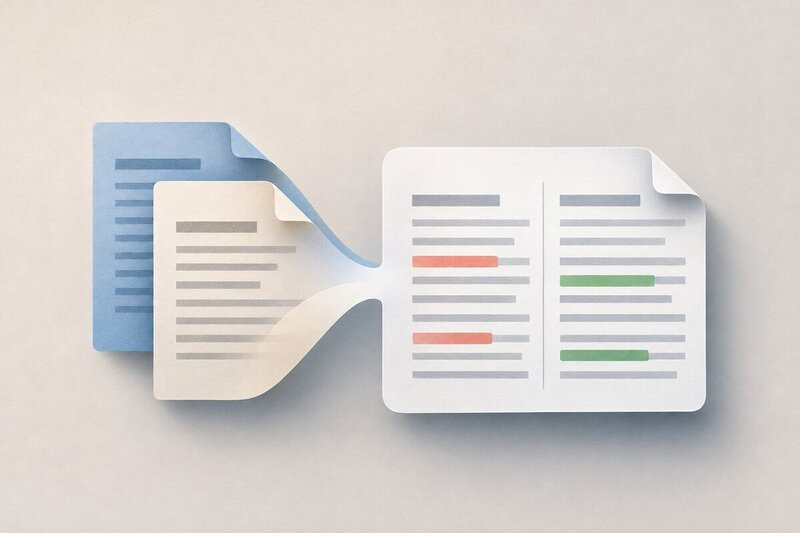
Google Docs now compares Word files directly, letting people use the Compare documents tool without converting .docx files first. The update from Google keeps the review step inside Docs and avoids the duplicate copies that conversion can create in Drive.
Workspace accounts and personal Google accounts can use the feature, so it reaches both business users and people managing files on their own. That broader access matters because document review often crosses account types, especially when a draft moves between teams and outside collaborators.
Direct .docx comparison makes Docs more useful as a review hub instead of just a viewer and editor. By removing conversion from the workflow, it trims one of the small but persistent frictions that can slow down file checking and version control.
Image Credit: Google
What Makes This Trend Stand Out
- Native File Interoperability
- Platforms that support external formats directly create openings for smoother cross-ecosystem collaboration and reduced workflow fragmentation.
- Frictionless Document Review
- Embedded comparison features reduce tedious file-handling steps, making review processes faster and more reliable for distributed teams.
- Unified Version Control
- Cloud workspaces that minimize duplicate copies can strengthen auditability, collaboration continuity, and confidence in document histories.
Sectors Adopting This
- Productivity Software
- Office platforms gain differentiation by absorbing more file-management tasks into everyday editing and collaboration environments.
- Enterprise Collaboration
- Organizations benefit from tools that bridge internal and external account types while preserving consistent review workflows.
- Cloud Storage
- Storage providers can expand value by reducing conversion-related clutter and improving how users manage evolving document versions.