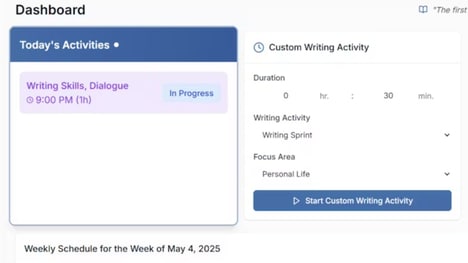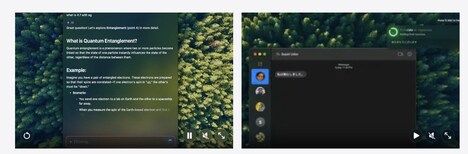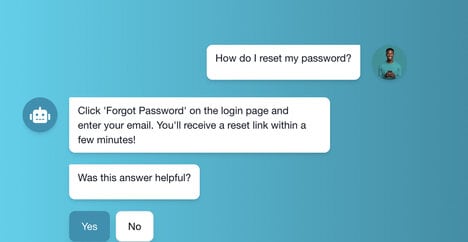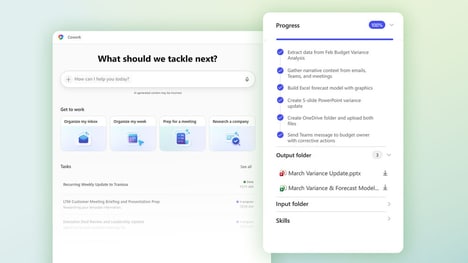
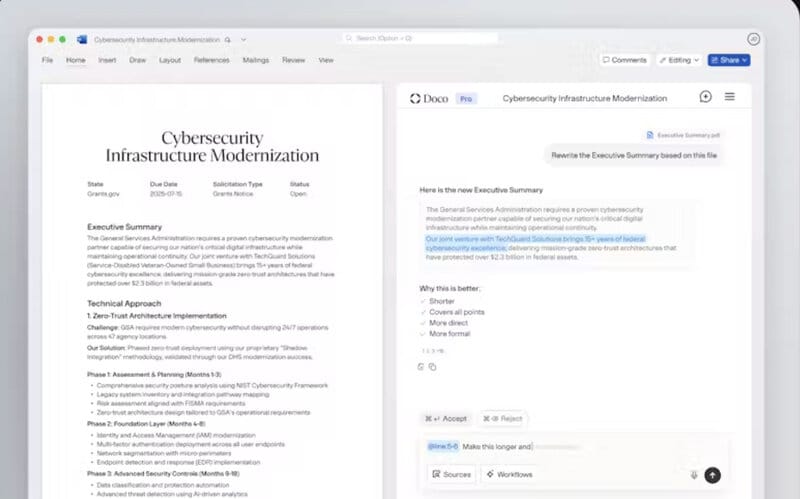
Switching between writing tools and documents can very easily interrupt your workflow, especially when you need to reference files or make repeated edits. Doco is an AI writing assistant built directly into Microsoft Word, allowing users to access AI tools without leaving their documents.
It can very easily reference other files, support custom projects, and help users create structured document workflows. The platform is designed to combine writing assistance with more advanced AI capabilities for people who regularly work with complex documents. Doco can help streamline tasks such as drafting, editing, organising information, and working across multiple files. By keeping these tools inside Word, Doco aims to make AI-assisted document work more convenient and efficient, perfect for today's modern day workforce.
Image Credit: Doco
What's Driving This Trend
- Embedded AI Workflows
- AI tools integrated directly into familiar productivity software reduce context switching and create space for more seamless enterprise document automation.
- Context-aware Document Creation
- Writing assistants that reference files, projects, and prior content introduce new possibilities for personalized, knowledge-rich business communications.
- Multi-file Writing Support
- Complex document environments benefit from AI systems that connect fragmented information and make drafting, editing, and organizing more efficient.
Who This Affects Most
- Productivity Software
- Office platforms are evolving into AI-enabled work hubs where document creation, collaboration, and workflow management converge.
- Enterprise Software
- Organizations managing large volumes of structured content can gain value from embedded assistants that improve accuracy and operational speed.
- Professional Services
- Teams in legal, consulting, finance, and administrative roles are positioned to use AI writing support for faster handling of complex client-facing documents.