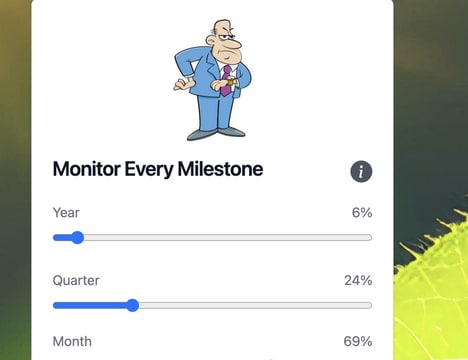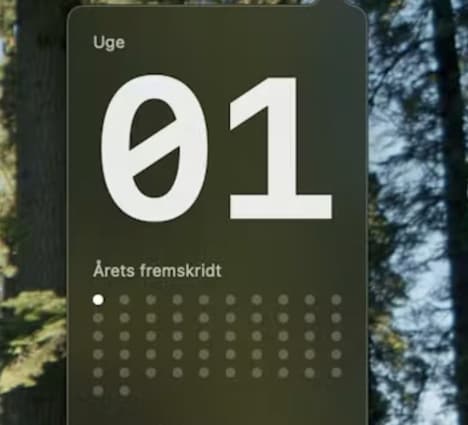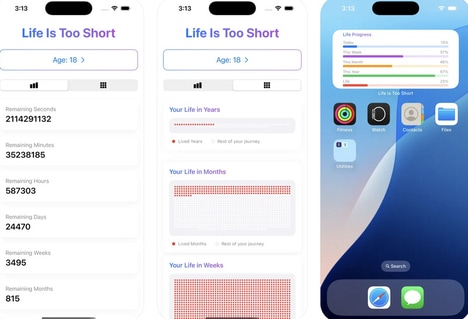
Day Progress is a sleek macOS app that displays the time remaining in your day right in your menu bar. Designed for macOS 14, this free tool provides a constant visual cue to help you stay motivated and manage your time more efficiently.
By showing you how much of your day is left, Day Progress encourages better time management and productivity. The app's simplicity is its standout feature, offering a minimalist approach to tracking your daily time without distractions. Ideal for busy professionals, students, and anyone looking to optimize their daily schedule, Day Progress is an essential addition to your productivity toolkit, ensuring you make the most of every moment, while representing a new tool to serve in the digital age.
Image Credit: Day Progress
What's Driving This Trend
- Visual Time Management
- In-browser time management tools offer a new way to visually track and optimize daily schedules, enhancing productivity for users.
- Minimalist Productivity Apps
- The rise of minimalist productivity apps focuses on providing essential features without unnecessary distractions, aiding concentration and efficiency.
- Integrated Daily Tracking
- Integrated daily tracking in menu bars or desktops brings time management directly to users' workflows, seamlessly fitting into their digital environment.
Who This Affects Most
- Productivity Software
- The productivity software industry is continually evolving with innovative tools like Day Progress, aiming to help users maximize their efficiency through better time management.
- App Development
- App development benefits from integrating simple, user-centric features that fulfill niche needs such as time visualization, appealing to a broad user base.
- Digital Tools for Professionals
- Digital tools specifically designed for professionals focus on enhancing workflow management and efficiency using intuitive features like real-time day progress displays.