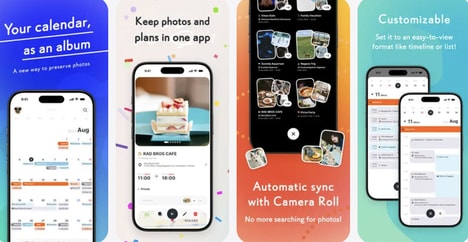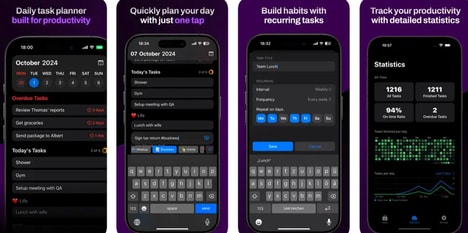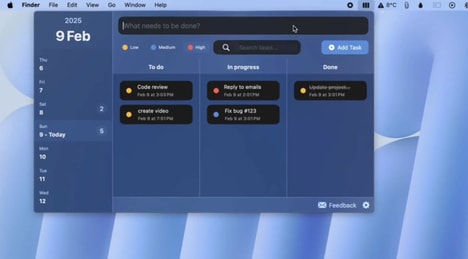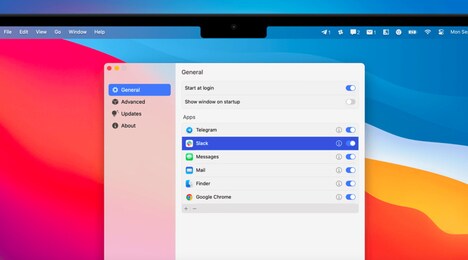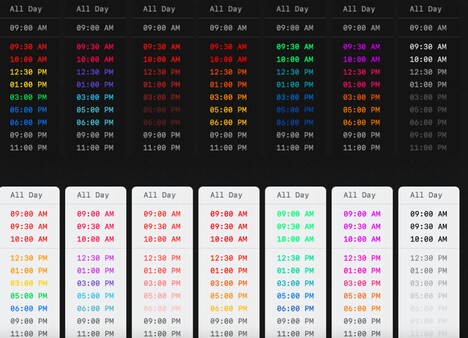
DayBar is a productivity tool that integrates calendar and task management into the menu bar of a Mac. It provides a concise overview of the local date, upcoming reminders, and events, allowing users to access essential scheduling information without opening multiple applications.
The platform supports Apple Calendar sync, ensuring that events and appointments remain consistent across devices. Users can quickly view and manage tasks and calendar entries from the menu bar, offering an efficient workflow for busy professionals who prefer minimal interruptions. By consolidating calendar and to-do functionalities into a single interface, DayBar reduces the need to switch between apps, streamlining daily planning. Its focus on simplicity and immediate access aims to enhance productivity while maintaining a clean, unobtrusive presence in the desktop environment.
Image Credit: DayBar
What Makes This Trend Stand Out
- Integrated Calendar-task Management
- Combining calendar and task functionalities into a single platform offers unique opportunities to streamline productivity by reducing the need to switch between different applications.
- Minimalist Productivity Tools
- Simplifying complex tasks into a straightforward, easy-to-use interface demonstrates the potential to enhance user engagement and efficiency in digital work environments.
- Cross-device Synchronization
- Ensuring seamless integration across different devices opens avenues for maintaining consistent user experiences and data synchronization in digital productivity solutions.
Sectors Adopting This
- Software Development
- The development of multi-functional productivity tools highlights opportunities for innovative solutions that converge different digital utilities into unified applications.
- Productivity Technology
- Creating technology that optimizes task management and scheduling efficiency presents endless possibilities for improving professional daily routines and outputs.
- Digital Ecosystems
- Integrating various digital services and applications into a cohesive framework offers potential for transformative advances in how consumers interact with technology daily.