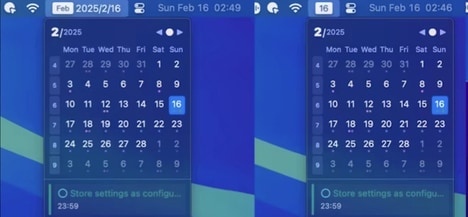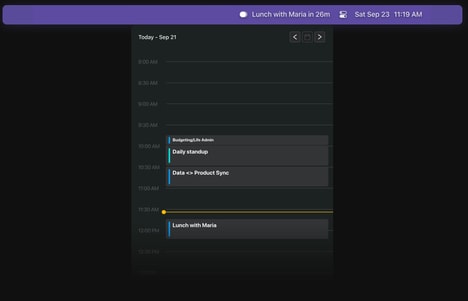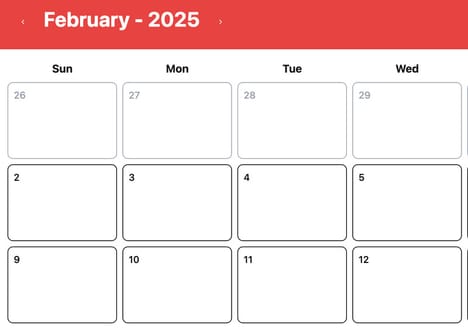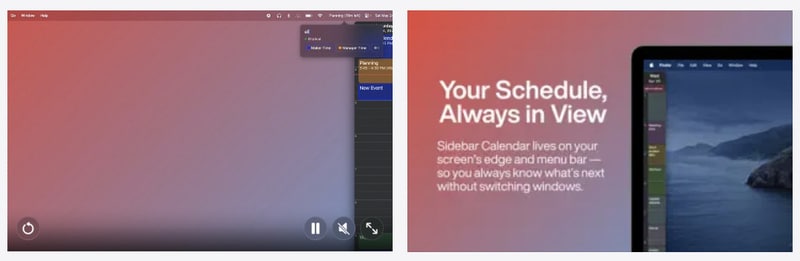
Sidebar Calendar is a macOS application designed to provide quicker access to Apple Calendar by displaying schedules in a compact sidebar interface. Rather than opening a full calendar window, users can view upcoming events, manage appointments, and monitor daily schedules alongside their active workspace.
The tool focuses on reducing friction in time management by integrating calendar visibility directly into everyday workflows. From a business perspective, utilities like Sidebar Calendar reflect a broader shift toward productivity optimization through interface efficiency rather than feature expansion. By minimizing context switching, professionals can maintain focus while staying aware of meetings and deadlines. Such tools are particularly relevant for remote and hybrid work environments, where multitasking across applications is common. The app demonstrates how small workflow enhancements can support better time awareness and improve overall operational organization without altering existing calendar systems.
Image Credit: Sidebar Calendar
What Makes This Trend Stand Out
- Sidebar Productivity
- A compact, always-visible calendar sidebar creates opportunities for rethinking ambient task-awareness and embedding lightweight scheduling controls into primary work surfaces.
- Contextual Interface Integration
- Embedding calendar data directly into active application interfaces enables seamless cross-app visibility that could upend standalone app paradigms.
- Minimal Context Switching
- Reducing the need to open full applications through micro‑views supports a shift toward workflow-centric tools that prioritize continuity over feature proliferation.
Sectors Adopting This
- Remote Work Software
- The rise of compact calendar widgets aligns with distributed teams’ needs for persistent time awareness and could inspire integrated scheduling layers across collaboration platforms.
- Enterprise It
- Centralized deployment of lightweight calendar sidebars presents possibilities for standardized time-management experiences that interoperate with corporate directories and policies.
- User Experience Design Tools
- Design systems focused on micro‑interactions and glanceable information are positioned to capitalize on demand for low-friction scheduling components within diverse application ecosystems.