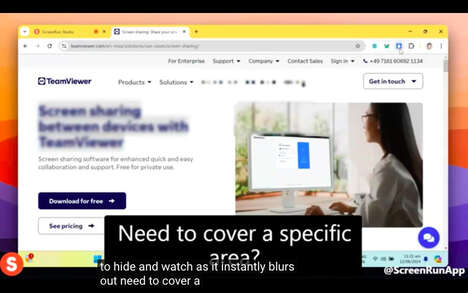
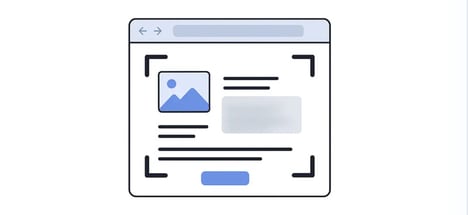
EyeFocus is a desktop application that uses eye-tracking technology to detect when a user is no longer looking at their primary screen. When this occurs — such as during a conversation or when attention shifts to a second monitor—the app automatically blurs the display.
This feature is designed to enhance both privacy and productivity in shared or open work environments. EyeFocus addresses the common workplace issue of shoulder surfing and accidental data exposure, offering a passive safeguard without manual input. It may also help users stay more focused by subtly encouraging single-screen engagement. From a business perspective, EyeFocus reflects growing interest in ambient computing tools that support digital wellness and data security. Organizations concerned with confidential information or employee concentration may find such applications relevant in hybrid or open-plan office settings.
Image Credit: EyeFocus Privacy App
Why This Trend Is Growing
- Ambient Computing Privacy Solutions
- EyeFocus exemplifies the rise of ambient computing tools designed to passively maintain privacy in dynamic work environments.
- Enhanced Digital Wellness Tools
- The app highlights an emerging trend where technology intertwines with user well-being to improve focus and mental clarity at work.
- Automated Data Security Features
- There is an increasing demand for automated security solutions that protect sensitive information without requiring user intervention in real-time.
Industries Being Reshaped
- Office Productivity Software
- Products like EyeFocus are innovating the office productivity sector by integrating features that protect privacy and ensure focus.
- Digital Security Technology
- The application indicates a shift in the digital security industry towards solutions that are naturally integrated into everyday workflows.
- Wearable and Eye-tracking Technology
- EyeFocus leverages eye-tracking technology, suggesting potential growth in markets focused on intuitive, user-centric interfaces.