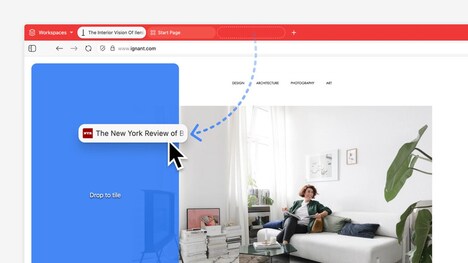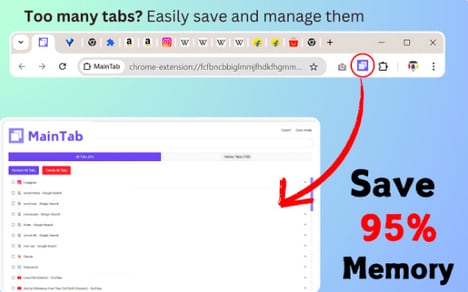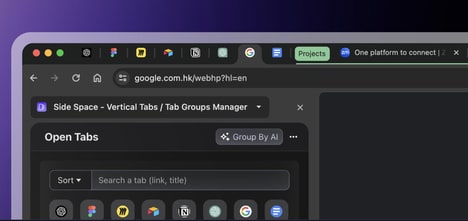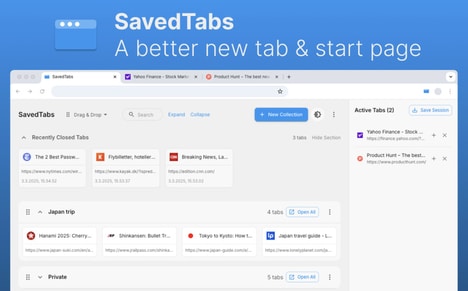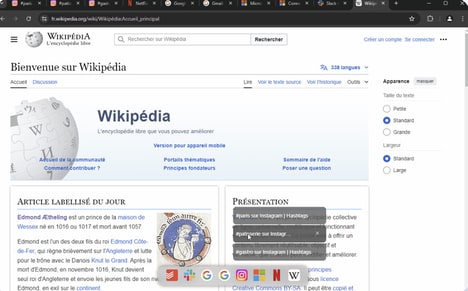
Google introduced an optional vertical tabs feature for Chrome, giving users a side-mounted tab strip designed to surface full page titles and simplify tab group management. The rollout arrived alongside a refreshed Reading Mode, with vertical tabs available via a right-click option labeled "Show Tabs Vertically."
The update preserves existing tab behaviors—separate windows keep independent tab sets and there is no new hard cap on open tabs beyond hardware limits. Chrome said the change followed testing and earlier flag-based access, and it coincided with other recent updates like Gemini AI integration and Split View.
For multitasking users and researchers who juggle many pages, vertical tabs make finding and organizing sessions faster and reduce horizontal clutter. By adopting a layout popularized by alternative browsers, Chrome narrowed a key UX gap while keeping familiar tab mechanics consumers expect.
Image Credit: Google
Key Themes Behind This Trend
- Side-mounted Tab Strips
- A vertical tab layout that exposes full page titles enables contextual navigation models that could upend traditional horizontal tab management paradigms.
- Integrated Multitasking Uis
- Browser features like split view and vertical tabs point toward unified multitasking environments that blur lines between separate app windows and project-centric workspaces.
- Habit-preserving Feature Rollouts
- Optional, opt-in UX changes that preserve existing behaviors while introducing new layouts reduce user friction and open the door for incremental platform-level innovations.
Where This Applies
- Web Browser Platforms
- A shift to side-mounted tab controls creates room for differentiated navigation paradigms and subscription-tiered UI customizations within competing browser ecosystems.
- Enterprise Productivity Software
- Tools for knowledge workers and teams can leverage vertical tab concepts to reimagine session management, project grouping, and cross-document workflows at scale.
- Academic and Research Tools
- Researchers juggling many sources may see new research management solutions that couple vertical tabbing with citation, annotation, and snapshotting capabilities.