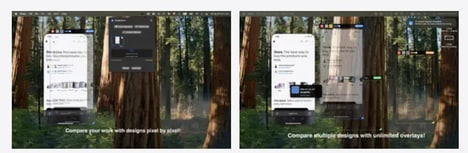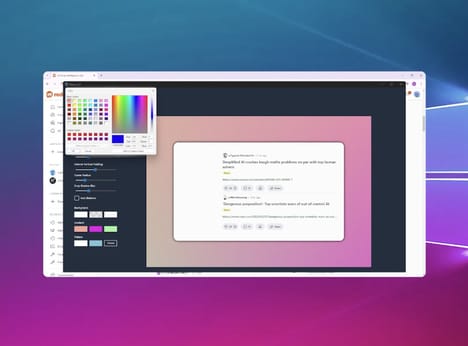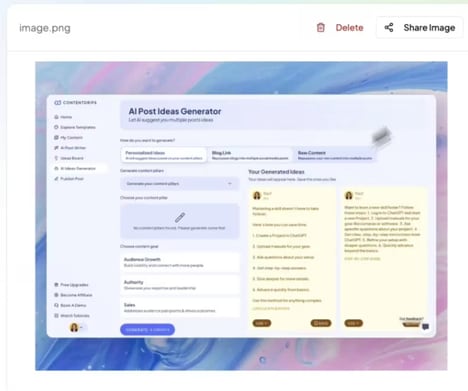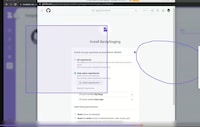
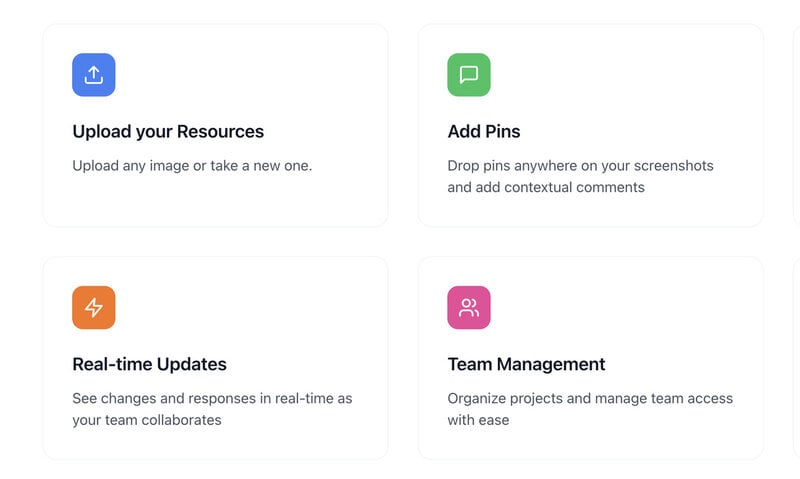
Giving feedback on designs, images, and other visual work can become confusing when comments are scattered across emails, messages, and different collaboration tools. PinShot provides a simple visual feedback tool where users can upload an image and pin comments directly onto specific areas.
Teams can share the visual with colleagues, discuss changes, and track issues through to resolution. The platform is designed to make feedback more precise by connecting each comment to the exact part of an image it relates to. PinShot is free to use, making it an accessible option for individuals and teams working on visual projects. By keeping comments and discussions attached to the work itself, PinShot aims to make the feedback process clearer and easier to manage.
Image Credit: PinShot
Why This Trend Is Growing
- Pinned Visual Collaboration
- Anchoring comments to exact image locations reduces ambiguity in creative workflows and opens space for lightweight review systems that replace fragmented feedback channels.
- Contextual Design Feedback
- Precision-based annotation tools are reshaping how teams evaluate visual assets by keeping discussion, decisions, and revision history tied directly to the work.
- Free Creative Workflow Tools
- Accessible no-cost platforms are lowering barriers for freelancers, startups, and distributed teams seeking professional-grade collaboration without enterprise software complexity.
Industries Being Reshaped
- Design Software
- Visual annotation features are expanding design platforms beyond creation into review, approval, and issue-tracking experiences built around image-specific collaboration.
- Project Management
- Feedback pinned directly to visual assets introduces more contextual task management models for teams handling creative approvals and iterative production cycles.
- Digital Marketing
- Campaign teams managing ads, social graphics, and branded imagery benefit from centralized visual feedback systems that streamline approvals across creative and client stakeholders.