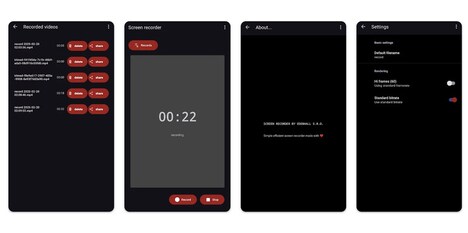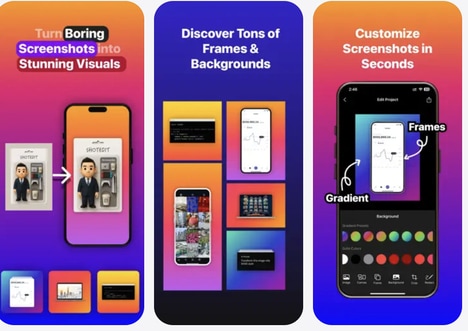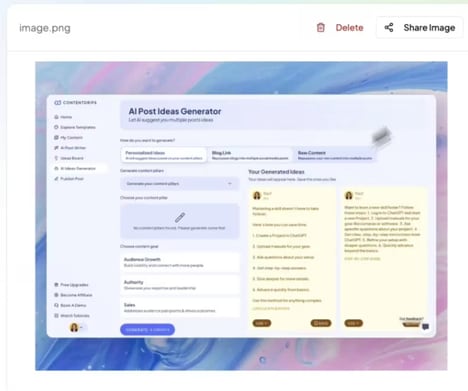
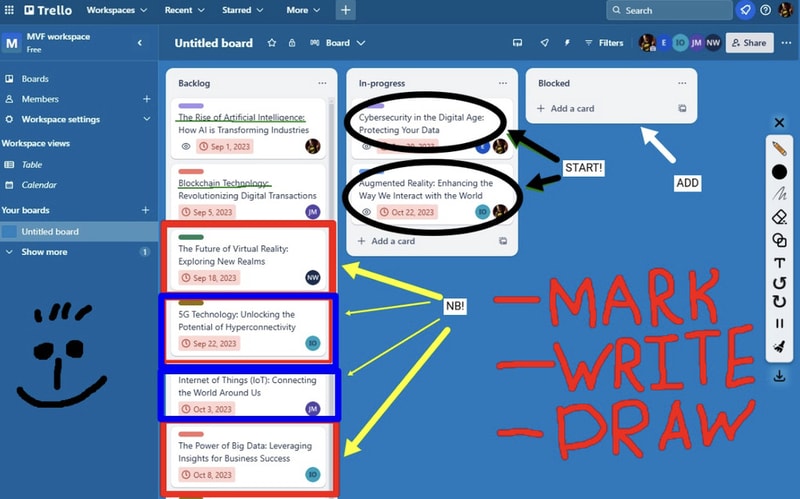
Draw on Screen is a browser-based annotation tool that enables users to draw, highlight, and add notes directly onto webpages. It functions as an overlay, allowing real-time visual commentary without altering the underlying content. The tool is designed for simplicity and immediate use, supporting quick feedback, collaboration, or personal note-taking during browsing sessions.
It is commonly used in workflows such as design reviews, content evaluation, or remote collaboration, where visual context is important. By enabling annotations within the browsing environment, it reduces the need for external tools or screenshots. Draw on Screen reflects a broader trend in lightweight productivity extensions that prioritise ease of use and minimal setup. Its functionality focuses on enhancing communication and clarity by allowing users to interact visually with digital content in real time.
Image Credit: Draw on Screen
What's Driving This Trend
- In-browser Visual Collaboration
- In-browser visual collaboration lowers friction for synchronous feedback, enabling integrated markup layers that can displace screenshot-based workflows and fragmented toolchains.
- Lightweight Productivity Extensions
- The rise of lightweight productivity extensions favors single-click utility overlays that reduce setup overhead and consolidate micro-tasks previously handled by multiple apps.
- Real-time Contextual Annotation
- Real-time contextual annotation embeds commentary directly into the browsing environment, creating opportunities for richer, temporally anchored discourse around live content.
Who This Affects Most
- Design Software
- Design software can integrate overlay annotations to streamline iterative critiques, altering how teams manage versioning and visual feedback pipelines.
- Remote Work Tools
- Remote work tools stand to be redefined by lightweight in-context annotation, shifting emphasis from asynchronous screenshots toward synchronous visual dialogue.
- Education Technology
- Education technology benefits from embedded annotation features that allow instructors and learners to interact directly with web-based teaching materials, changing assessment and engagement models.