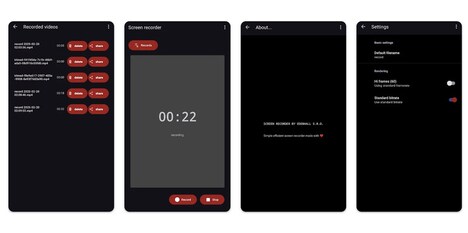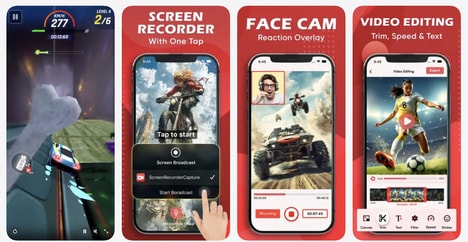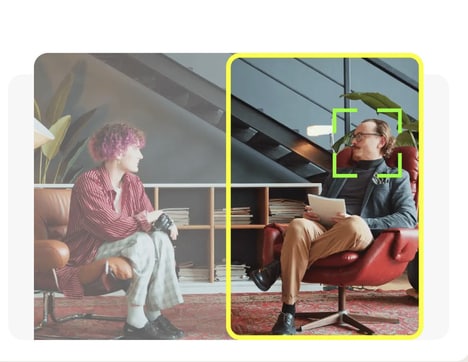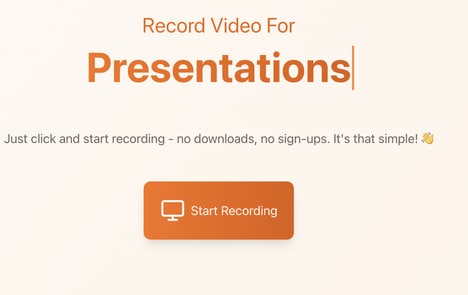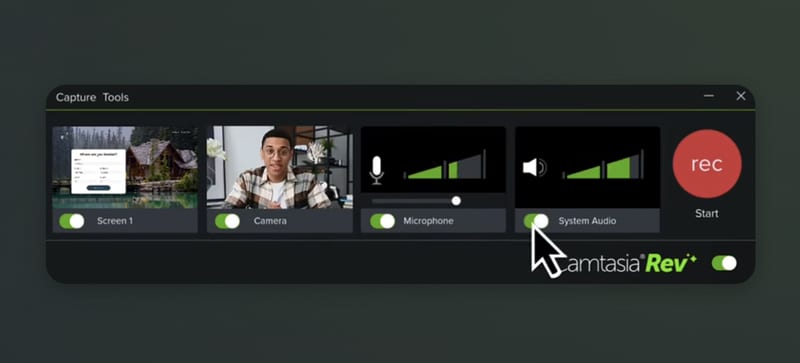
Creating tutorials, demonstrations, presentations, and educational content often requires both screen capture and video editing tools -- Camtasia brings these capabilities together in a single application designed for content creation and instructional media.
The software includes screen recording, video editing, audio enhancement, visual effects, and AI-assisted workflows that help streamline common production tasks. Users can record on-screen activity, combine it with narration or webcam footage, and refine the final output within the same environment.
A key focus of the platform is balancing accessibility with creative control. Automated features help accelerate editing and production, while more detailed controls allow creators to customize timing, visuals, transitions, and other elements of their projects.
Camtasia is widely used by educators, trainers, marketers, and business professionals who create instructional or presentation-based videos. Its combination of recording and editing tools makes it a practical option for producing professional-looking content without requiring a complex post-production workflow.
Image Credit: Camtasia
Why This Trend Is Growing
- AI-assisted Video Production
- Automated editing, audio cleanup, and visual enhancement create room for faster content workflows that reduce reliance on specialized post-production teams.
- Integrated Screen Capture
- Unified recording and editing environments signal a shift toward all-in-one creator platforms for tutorials, demos, and business communications.
- Accessible Instructional Media
- Simplified professional video tools expand the potential for educators, trainers, and employees to produce polished learning content without advanced technical expertise.
Industries Being Reshaped
- Education Technology
- AI-enabled screen recording platforms support scalable digital lessons, course materials, and hybrid learning assets with lower production complexity.
- Corporate Training
- Streamlined tutorial creation introduces new possibilities for internal knowledge sharing, onboarding, compliance education, and software enablement across distributed teams.
- Marketing Software
- Presentation-based video creation tools broaden how brands develop product demos, customer education, and campaign assets from a single production workspace.