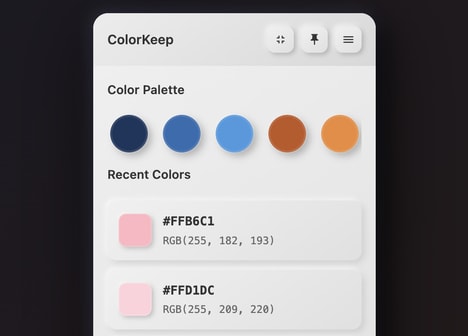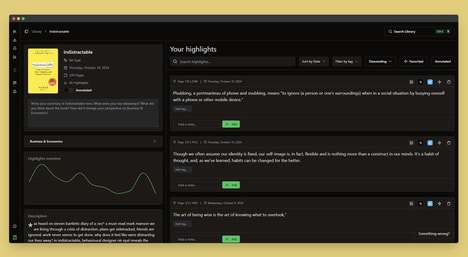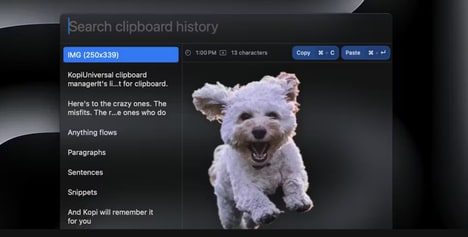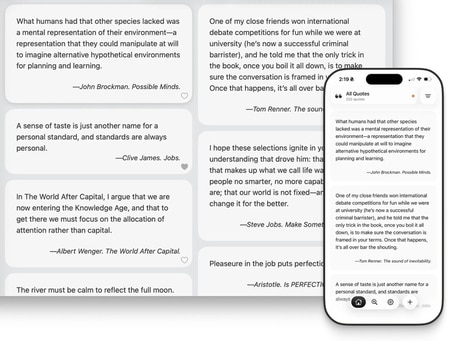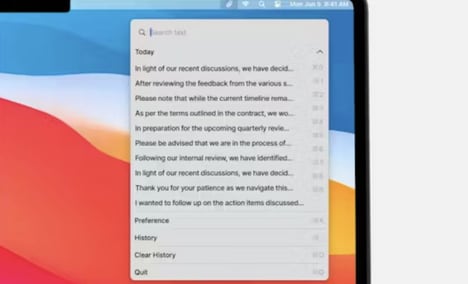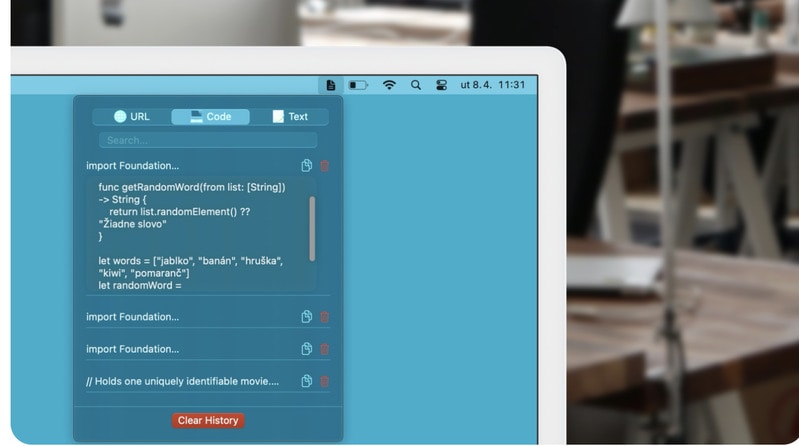
ClipSort is a macOS menu bar application designed to manage and organize clipboard content efficiently. The app automatically saves clipboard history, allowing users to access previously copied text without the need to re-copy or search manually.
Its searchable interface enables quick retrieval of snippets, making it particularly useful for developers, writers, and professionals who frequently work with multiple pieces of text. ClipSort also allows users to categorize and organize content, helping reduce clutter and improve workflow efficiency. Lightweight and unobtrusive, it operates seamlessly in the background, providing instant access to clipboard data when needed. By consolidating copy-and-paste activity in a single interface, ClipSort supports productivity, streamlines content management, and reduces time lost in locating or duplicating previously copied information.
Image Credit: ClipSort
What's Driving This Trend
- Persistent Clipboard Histories
- The aggregation of long-term clip histories creates potential for contextual memory systems that surface past content across apps and time.
- Contextual Snippet Search
- Search-first snippet retrieval tied to metadata enables rapid reuse of microcontent based on project, source, or intent.
- Lightweight Background Utilities
- Minimal, always-on menu bar tools open possibilities for unobtrusive agent layers that augment workflows without interrupting primary tasks.
Who This Affects Most
- Productivity Software
- Integration of unified clipboard management into productivity suites could transform how users orchestrate multi-source content and templates.
- Developer Tools
- Enhanced snippet organization and search tailored to code and documentation presents opportunities for reducing context switching during development.
- Enterprise Knowledge Management
- Centralized capture and categorization of transient copy-paste artifacts can expand organizational memory and surface tacit knowledge across teams.