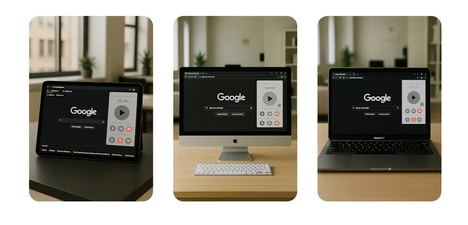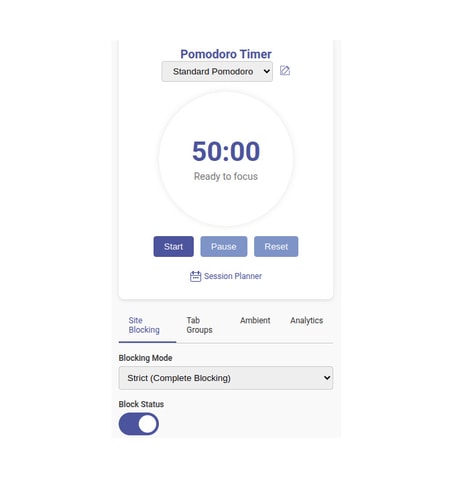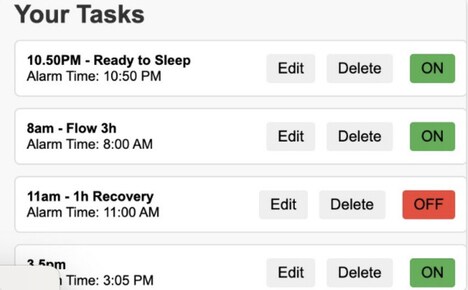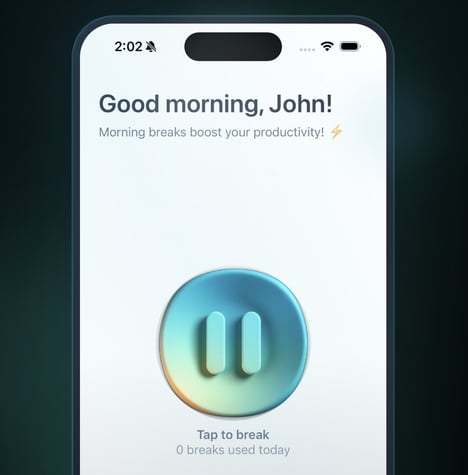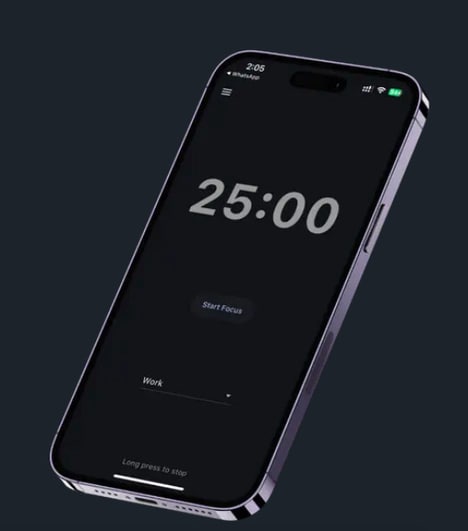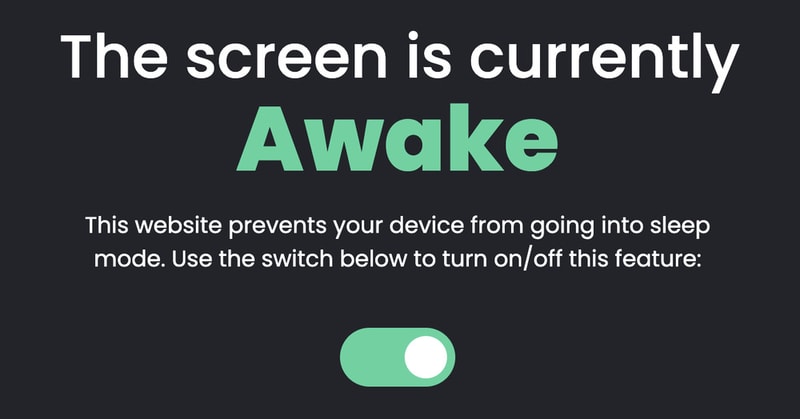
Stay Awake is a lightweight productivity application designed to prevent a computer from entering sleep or idle mode without requiring changes to operating system settings. Delivered as a progressive web app (PWA), it keeps a browser tab active to maintain system wakefulness while also offering built-in tools such as a clock, to-do list, and Pomodoro timer.
The platform addresses a common workplace need, particularly for remote professionals who rely on uninterrupted system activity during short breaks or background tasks. By combining device management with simple productivity widgets, Stay Awake reflects a broader trend toward multifunctional utility tools that support flexible work habits. For businesses and individuals, solutions like this highlight how small software utilities can enhance workflow continuity, maintain availability, and encourage structured work-rest cycles in digital work environments.
Image Credit: Stay Awake
What Makes This Trend Stand Out
- Browser-based System Management
- Enables lightweight, cross-platform device control and monitoring through standard web tabs, reducing the need for native agent installs and simplifying deployment.
- Micro-productivity Widgets
- Small, composable tools like timers and to-do lists embedded in utilities facilitate contextual focus management and continuous workflow orchestration within a single UI.
- Pwa-delivered Utilities
- Progressive web apps offer installable, offline-capable productivity experiences that blur the line between web and native apps for broad device compatibility.
Sectors Adopting This
- Remote Workforce Tools
- Demand for solutions that preserve session continuity and structured breaks creates space for lightweight utilities that augment remote worker availability and wellbeing.
- Enterprise IT Management
- Enterprises can benefit from low-friction, browser-based utilities that enforce uptime policies and gather telemetry without elevated permissions or complex deployment.
- Saas Productivity Platforms
- Productivity vendors have an opening to bundle micro-utilities and contextual widgets into subscription services that increase user engagement and retention metrics.