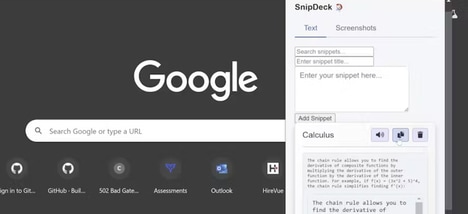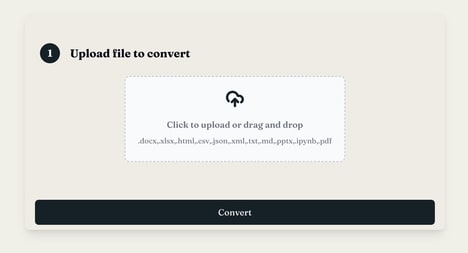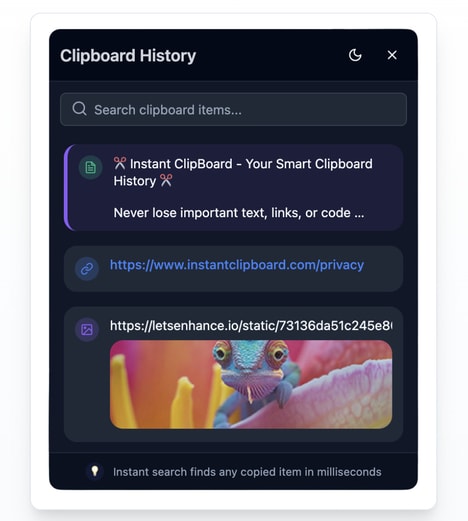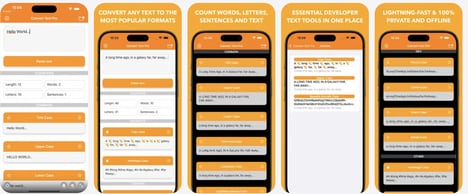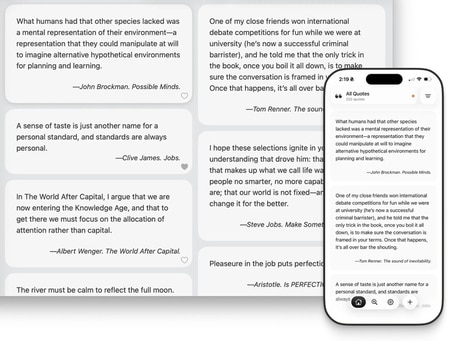
Copying information from screenshots or other visual content on a computer screen can often mean manually retyping text and rebuilding its formatting. Snapdown is a Mac tool that converts selected areas of the screen into structured Markdown while preserving elements such as headings, lists, tables, and other text formatting. Instead of producing a flat block of OCR text, the tool aims to retain the original structure of the captured content.
Users can capture a section of their screen with a keyboard shortcut and then paste the resulting Markdown wherever they need it. The app is designed to keep screenshots and processing local on Apple Silicon Macs, providing a more private alternative to tools that send captured content to the cloud. This can be useful for researchers, developers, writers, and other users who regularly need to turn visual information into editable text. By combining screen capture with structured text recognition, Snapdown makes it easier to move information from screenshots into existing digital workflows.
Image Credit: Snapdown
What's Driving This Trend
- Structured Screen Capture
- Screen capture is evolving from static image grabbing into format-aware extraction, creating space for tools that preserve tables, headings, and lists as reusable digital content.
- Local-first Recognition
- Privacy-sensitive professionals are showing demand for on-device OCR and document parsing, opening opportunities for secure productivity software that avoids cloud processing.
- Workflow-ready Markdown
- Markdown-based conversion is becoming more valuable as teams move captured information directly into docs, code repositories, research notes, and publishing systems.
Who This Affects Most
- Productivity Software
- Office and knowledge-work platforms can differentiate through intelligent capture features that turn visual content into structured, editable assets.
- Developer Tools
- Engineering workflows benefit from screen-to-text utilities that transform UI snippets, documentation, and tables into Markdown formats compatible with technical systems.
- Research Technology
- Academic and professional research tools have room for structured extraction capabilities that reduce manual transcription from screenshots, PDFs, and visual references.