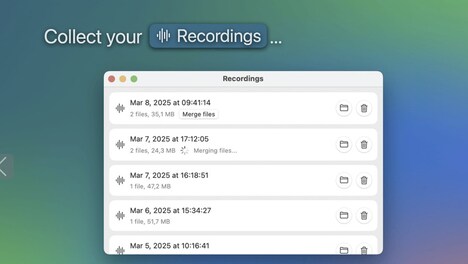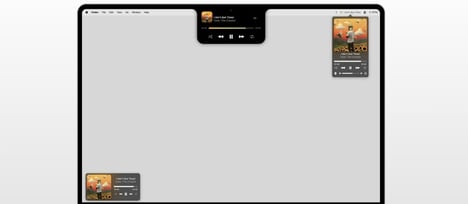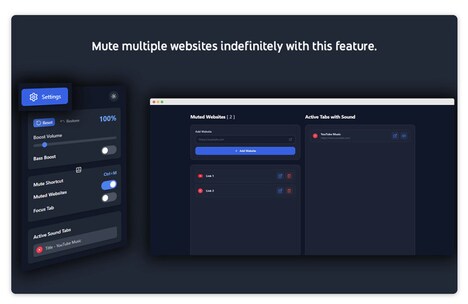

Scroll the Volume is a Mac utility that enables users to adjust system audio directly from the menu bar. By scrolling over the speaker icon, users can increase or decrease volume without opening separate system controls or navigating through settings. The tool emphasizes simplicity and efficiency, offering a smooth, responsive adjustment experience that integrates seamlessly with macOS.
Its distraction-free design allows users to maintain focus on their workflow while having immediate access to audio control. This can be particularly useful for professionals in multimedia, remote work, or content creation environments, where quick audio adjustments are frequently needed. By streamlining volume management into a single, intuitive gesture, the utility enhances user convenience and improves workflow efficiency, eliminating the need for repetitive navigation through standard system menus.
Image Credit: Scroll the Volume
What Makes This Trend Stand Out
- Intuitive Gesture Control
- Integrating gesture-based controls in software interfaces offers users a seamless and efficient interaction method, enhancing productivity by minimizing clicks and menu navigation.
- Distraction-free Tools
- Creating tools designed to minimize cognitive load and maintain user focus presents opportunities in developing software that supports uninterrupted workflows.
- Integrated Utility Solutions
- Innovating with all-in-one solutions that blend functionalities directly into existing system interfaces adds convenience and efficiency, particularly for professionals reliant on quick access to controls.
Sectors Adopting This
- Software Utilities
- Developing minimalist software enhancements that offer essential features without overwhelming the user interface caters to the demand for efficient digital tools.
- Remote Work Solutions
- The growth of remote work propels the need for tools that streamline virtual workflows, focusing particularly on enhancing multimedia and communication functionalities.
- Creative Professional Tools
- Crafting specialized utilities for creative industries, like multimedia and content creation, supports the unique requirements for on-the-fly adjustments and rapid task-switching.