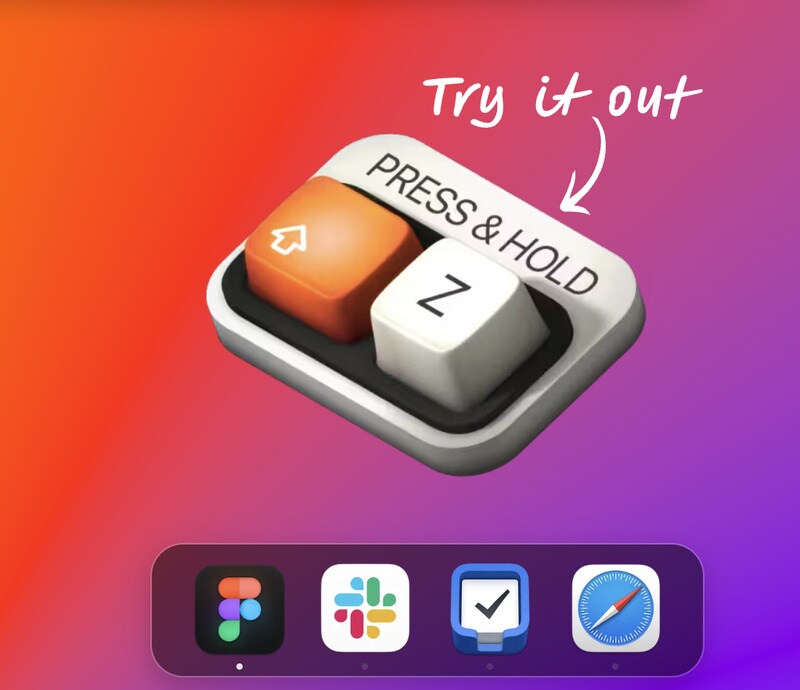
Pie Menu is a macOS utility designed to improve efficiency through a customizable radial menu. Instead of relying on traditional drop-down menus or multiple shortcuts, users can access commands and functions around their cursor with a single keystroke.
The menu adapts to the application in use, allowing tailored configurations for different workflows—whether in design software, productivity tools, or everyday apps. By centralizing access, Pie Menu reduces repetitive actions and streamlines task execution, making it particularly relevant for users managing complex, multi-app workflows. From a business perspective, it reflects the broader trend of productivity-focused software that optimizes user experience without requiring significant behavioral changes. Such tools highlight how subtle interface innovations can compound time savings and create measurable efficiency gains in professional environments.
Image Credit: Pie Menu
What's Driving This Trend
- Customizable Interface Innovations
- Enhancing software with adaptable user interfaces like radial menus can significantly streamline workflow processes by reducing repetitive actions.
- Application-specific Shortcuts
- Developing shortcuts tailored to individual applications allows professionals to enhance their productivity by accessing needed functions quickly and conveniently.
- Centralized Command Access
- Centralizing command access around the cursor simplifies task execution across different software tools, minimizing the time spent navigating complex interfaces.
Who This Affects Most
- Productivity Software
- This industry thrives on creating solutions that enhance user efficiency, making it ripe for integrating innovative interface designs like the customizable radial menu.
- User Experience Design
- Professionals in this industry can leverage discrete interface elements, such as radial menus, to improve overall usability and user satisfaction.
- Macos Utility Development
- Developers focused on macOS could capitalize on the demand for more intuitive, efficient task execution tools that integrate seamlessly with existing workflows.