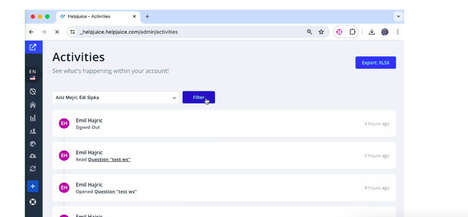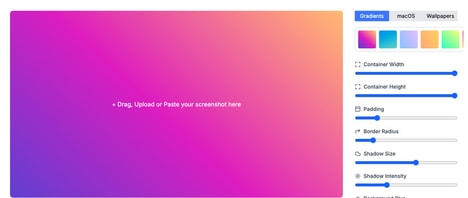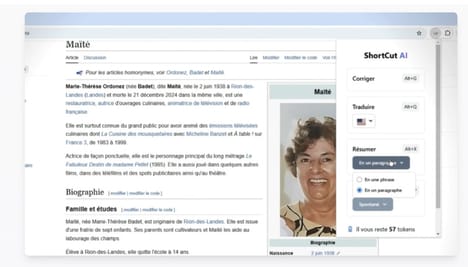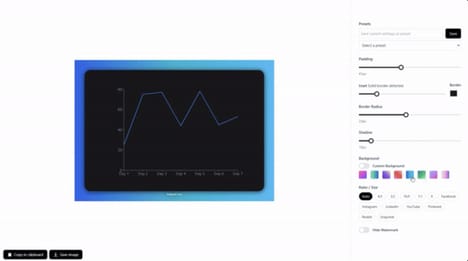
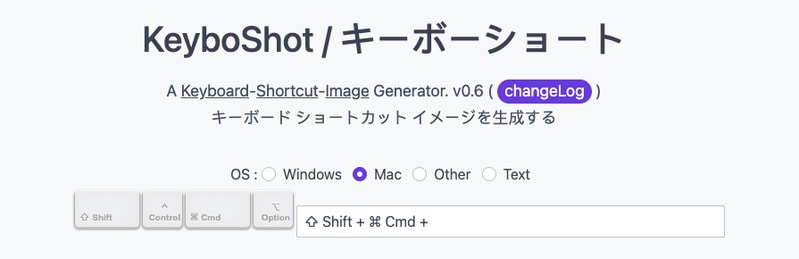
The Keyboard Shortcut Image Creator is a utility that allows users to generate visual representations of keyboard shortcut combinations quickly. By inputting a shortcut (e.g., Cmd + C or Ctrl + Shift + P), the tool creates a clean, shareable image and embed code, making it easy to include in product documentation, help articles, or onboarding guides.
This tool is particularly useful for software developers, product designers, and technical writers who need to communicate keyboard workflows clearly to users. It streamlines the process of visual documentation, removing the need for manual image creation or design software. While its functionality is focused and specific, it addresses a common friction point in user education and product support—especially in complex applications where keyboard efficiency plays a key role in the user experience.
Image Credit: Keyboard Shortcut Image Creator
Key Themes Behind This Trend
- Visual Documentation Automation
- Creating automated visual representations of text commands offers a streamlined approach to documentation that enhances clarity and efficiency.
- Enhanced User Education
- Boosting user understanding of complex software via visualization of keyboard shortcuts facilitates intuitive learning and adoption.
- Productivity Tools Integration
- Integrating image-generating shortcut tools into existing systems presents opportunities to elevate productivity-related software capabilities.
Where This Applies
- Software Development
- Integrating shortcut visualization into the development process offers developers a way to enhance clarity in user instructions and interfaces.
- Technical Writing
- Providing technical writers with tools for creating visual aids could significantly improve the effectiveness of technical documentation.
- User Experience Design
- Elevating user engagement through visual documentation in UX design can greatly enhance user interaction with complex applications.