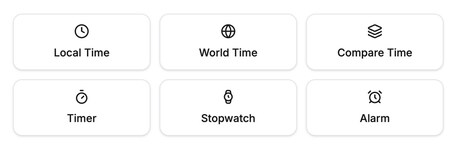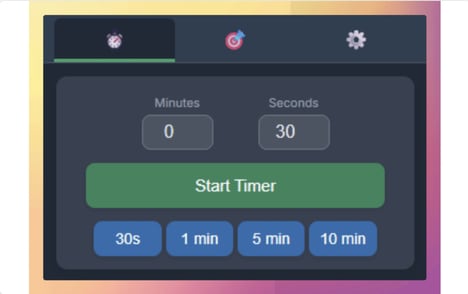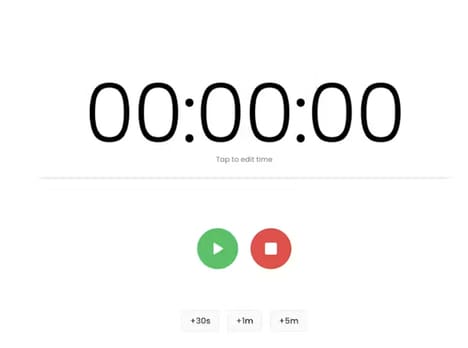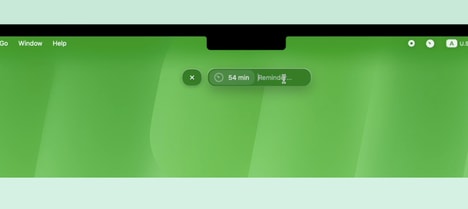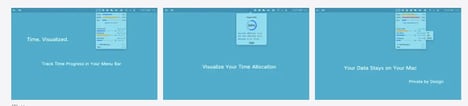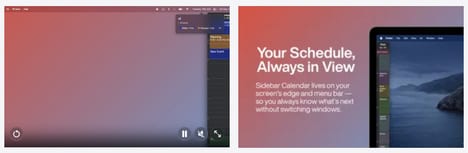

Working in fullscreen mode or hiding the menu bar can make it surprisingly easy to lose track of time during focused work sessions. Corner Time is a lightweight macOS utility that keeps a native-style clock visible even when the standard menu bar clock disappears. Designed to blend seamlessly with the macOS interface, the app provides a simple way to keep the time accessible without interrupting your workflow.
Built for professionals, students, and anyone who regularly works in fullscreen applications, Corner Time helps users stay aware of time while maintaining a distraction-free workspace. By solving a small but common usability issue, the app makes everyday Mac use more convenient. Corner Time offers a clean, unobtrusive way to keep time in sight whenever the menu bar is hidden.
Image Credit: Corner Time
What Makes This Trend Stand Out
- Persistent Micro-utilities
- Small software tools that solve narrow workflow gaps reveal opportunities for low-friction productivity enhancements embedded into existing operating systems.
- Fullscreen Workflow Awareness
- As distraction-free interfaces become more common, ambient visibility features create room for subtle tools that preserve context without breaking concentration.
- Native-style Interface Add-ons
- Utilities that visually match platform design standards indicate potential for seamless extensions that feel built-in rather than third-party.
Sectors Adopting This
- Productivity Software
- Focused applications addressing everyday usability pain points point to growth in specialized tools for professionals, students, and remote workers.
- Operating Systems
- Hidden interface needs in fullscreen environments highlight whitespace for native features that improve time awareness and workflow continuity.
- Education Technology
- Student reliance on immersive digital workspaces creates demand for unobtrusive aids that support time management during study and assignments.