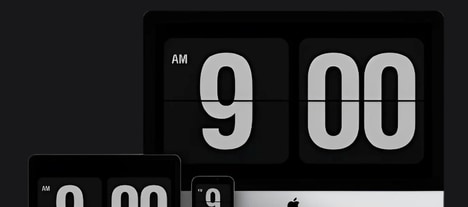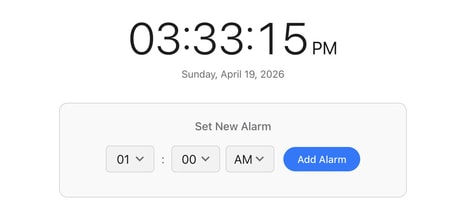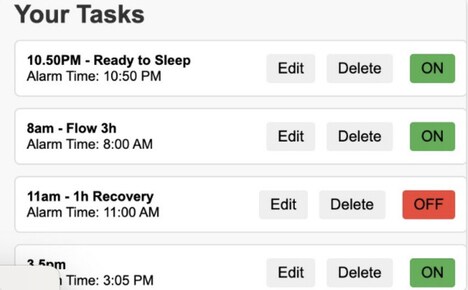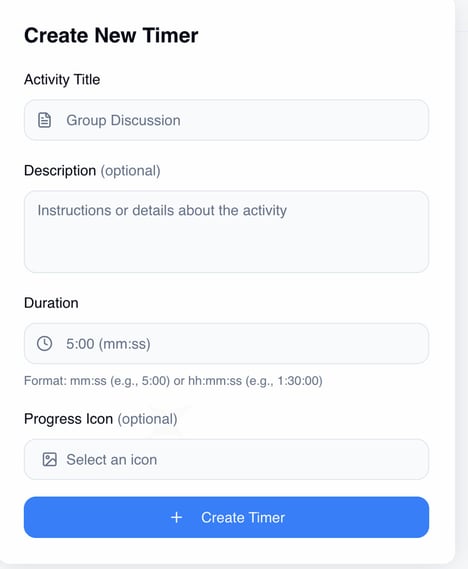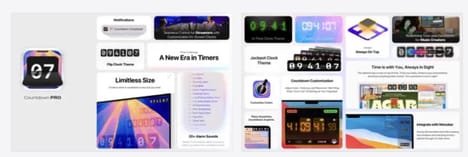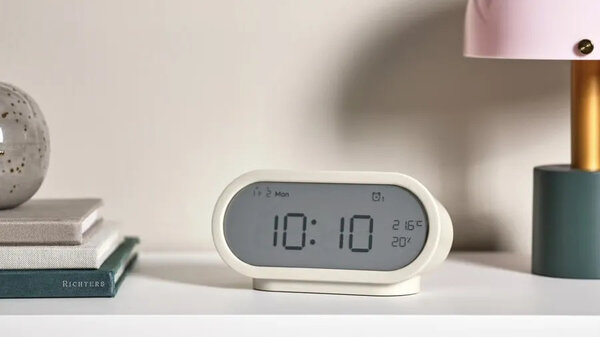
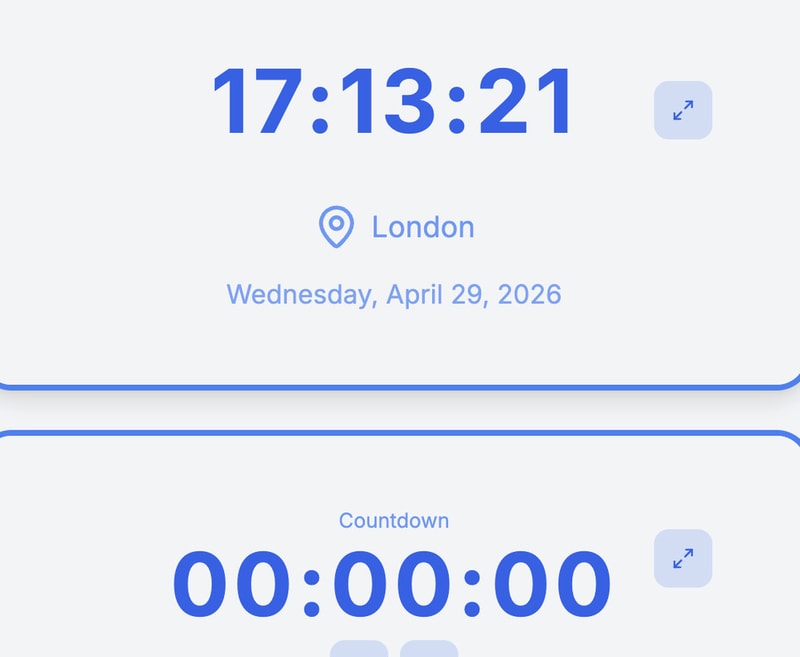
My Clock Timer is a browser-based time management tool that combines multiple utilities, including countdown timers, stopwatches, clocks, and alarms. It is designed to support users in structuring and tracking time across various tasks and activities without requiring installation or account setup.
The platform is typically used for productivity-focused purposes such as work sessions, study routines, workouts, and general scheduling needs. By consolidating essential timing functions into a single interface, it reduces friction in accessing basic time-tracking tools. The application reflects a broader trend in lightweight productivity software that prioritizes simplicity, accessibility, and immediate usability. It is suitable for individuals seeking straightforward tools to improve time awareness and task discipline. Its primary function is to provide flexible timing utilities that help users manage daily activities more efficiently through easy-to-use digital clocks and timers accessible directly from a web browser.
Image Credit: My Clock Timer
What's Driving This Trend
- Unified Browser-based Timing
- Consolidating timers, stopwatches, alarms and clocks into a single web interface creates opportunities for cross-feature integrations that reshape how users orchestrate time across tasks.
- Lightweight Productivity Tools
- Minimal-install, no-account utilities that prioritize immediacy and simplicity present room for rethinking subscription models and embedded microfeatures for mass adoption.
- Frictionless Accessibility
- Instant access to essential time-management functions via the browser highlights potential for inclusive, low-barrier tools that scale across devices and connectivity conditions.
Who This Affects Most
- Education Technology
- Students and educators could leverage embedded timing utilities to transform lesson pacing, exam administration and study habit analytics within learning platforms.
- Remote Work Software
- Distributed teams can benefit from integrated timing features that enable synchronous work sessions, meeting discipline and quantified focus metrics across collaboration suites.
- Fitness & Wellness Apps
- Workout and mindfulness applications stand to be enhanced by precise, customizable timing mechanics that support interval training, habit formation and recovery tracking.