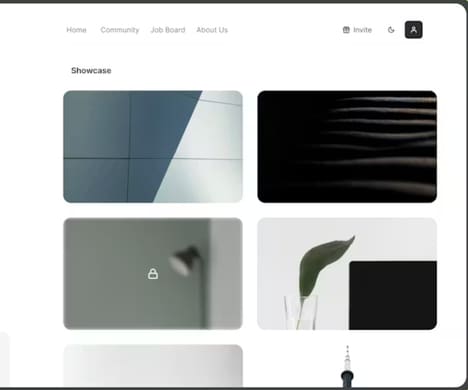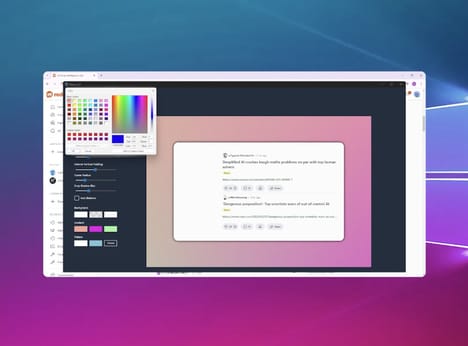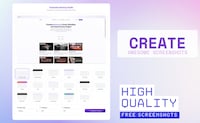
Brilliant Design is a Mac-based application that provides tools for digital design, ranging from quick screen annotations to comprehensive UI mockups. The platform emphasizes performance and lightweight operation, aiming to offer a fast and responsive experience without compromising functionality.
Users can create detailed interface designs, annotate workflows, and produce visual prototypes within a single environment. Its design workflow accommodates both simple communication needs, such as marking up screenshots, and complex project development, including layered mockups and component-based UI planning. While Brilliant Design is focused on Mac users, it does not include integrated version control or collaboration features found in some enterprise design suites. For individual designers and small teams, the application provides a streamlined interface and versatile toolset that supports creativity, rapid iteration, and productivity in visual design tasks.
Image Credit: Brilliant Design
What's Driving This Trend
- Mac-native Design Tools
- A focus on Mac-only applications highlights opportunities for tightly integrated desktop experiences that leverage native performance and OS-specific UX paradigms.
- Lightweight High-performance UX Apps
- Demand for fast, responsive design software with minimal resource overhead indicates potential for lean products that prioritize speed without sacrificing core functionality.
- Unified Annotation and Prototyping
- Combining quick screen markup with layered mockup capabilities suggests a convergence of lightweight communication features and comprehensive prototyping in a single environment.
Who This Affects Most
- Software Design Tools
- The absence of integrated version control and enterprise collaboration in some Mac-focused offerings points to room for tools that blend individual productivity with team-oriented workflows.
- Creative Agencies
- Small teams and solo designers benefiting from streamlined, all-in-one design environments reveal a shift toward agencies valuing rapid iteration and compact toolchains over bloated suites.
- Small Team Collaboration Platforms
- Gaps in real-time collaboration within lightweight design apps indicate potential for platforms that enable seamless sharing, history tracking, and coordination for compact teams.