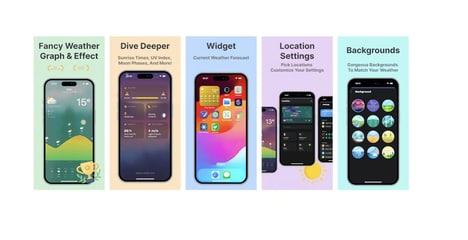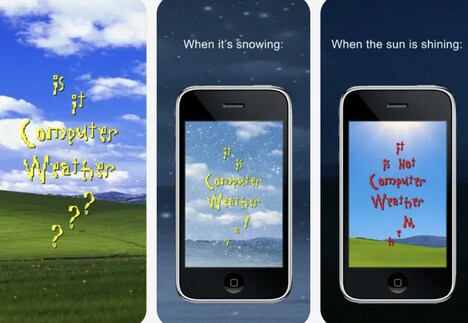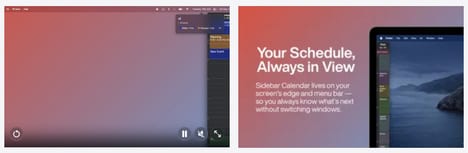
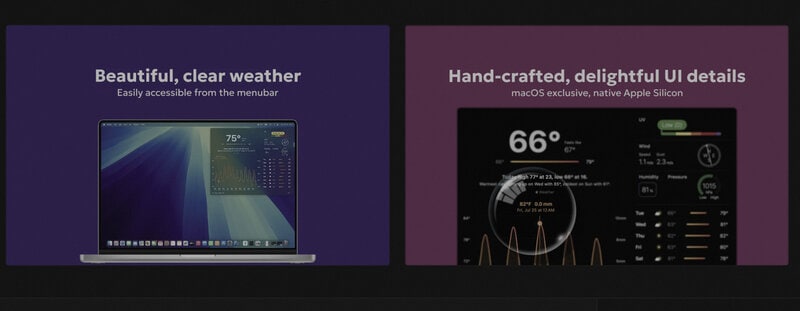
Checking the weather on a Mac can often mean opening a separate app or website when all you need is a quick update. Big Weather is a hand-crafted weather app designed exclusively for the Mac menu bar. It keeps weather information easily accessible without taking up space on your desktop.
The app focuses on a clean, polished design that makes checking the forecast feel simple and unobtrusive. By living in the menu bar, Big Weather gives Mac users a convenient way to check the weather whenever they need it. It is designed to blend naturally into the Mac experience, giving users useful weather information without cluttering their screen. Its simple approach makes it ideal for anyone who wants quick access to the forecast without opening a full weather app.
Image Credit: BIg Weather
What Makes This Trend Stand Out
- Menu-bar Utilities
- Lightweight desktop tools embedded in persistent interface spaces create openings for low-friction services that deliver essential information without interrupting workflows.
- Ambient Forecast Access
- Weather experiences that sit quietly in the background reflect demand for glanceable data products that prioritize calm visibility over full-screen engagement.
- Native Micro-apps
- Platform-specific mini applications can differentiate through polished integration, giving software makers room to compete on simplicity, aesthetics, and contextual convenience.
Sectors Adopting This
- Weather Technology
- Forecast providers have opportunities to repackage real-time data into more elegant, device-native touchpoints that fit naturally into daily digital routines.
- Productivity Software
- Workflow-focused software can expand through compact companion utilities that reduce app switching while keeping timely information close at hand.
- Desktop Applications
- Mac and PC app ecosystems are being reshaped by specialized micro-tools that favor unobtrusive design, minimal setup, and continuous accessibility.