Add to Sheets is a Chrome extension that is uniquely designed to enhance data entry efficiency by enabling users to save web content directly into Google Sheets. With a very simple right-click, users can capture selected text, links, images, or page URLs and input them into predefined spreadsheet columns without even their switching tabs.
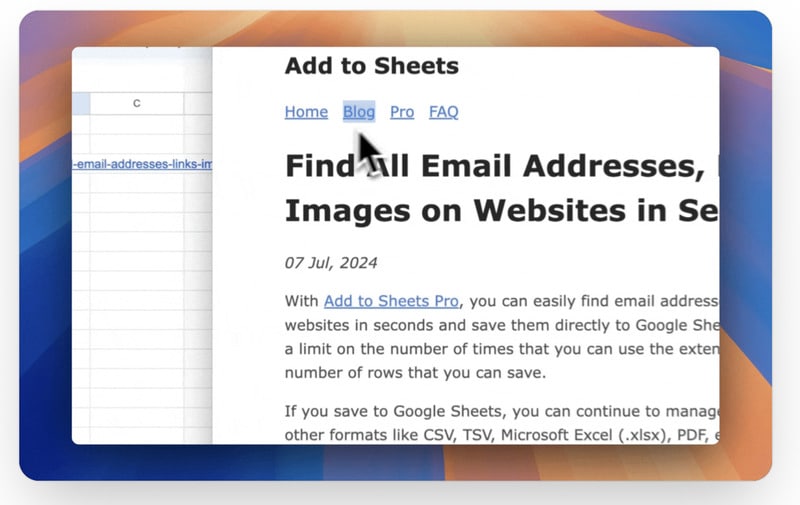
The extension supports automation through no-code workflows, allowing for bulk extraction of emails, links, and image URLs from websites. Additional features include customizable keyboard shortcuts, quick row entry for structured data, and multi-sheet saving for organized data management. Add to Sheets is compatible with Chrome, Brave, and Microsoft Edge browsers and prioritizes user privacy by storing data locally without third-party analytics.
Image Credit: Add to Sheets
Why This Trend Is Growing
- No-code Automation
- No-code automation is facilitating accessible data integration processes, revolutionizing how users interact with web data without needing advanced programming expertise.
- Privacy-focused Tools
- Privacy-focused tools are gaining traction by ensuring that user data is handled locally, reducing reliance on third-party data analytics services.
- Browser Extension Innovation
- Innovations in browser extensions are empowering users with enhanced functionalities like real-time data importation directly into familiar applications.
Industries Being Reshaped
- Data Management Software
- The data management software industry is experiencing a shift towards user-centric solutions that integrate seamlessly with other productivity tools, boosting efficiency and accuracy.
- Web Scraping Technologies
- Web scraping technologies are evolving to incorporate user-friendly interfaces and automation features, catering to non-technical users for streamlined data collection.
- Productivity Applications
- Productivity applications are increasingly offering integrated solutions that eliminate interruptions in workflow, supporting seamless data handling and task management.