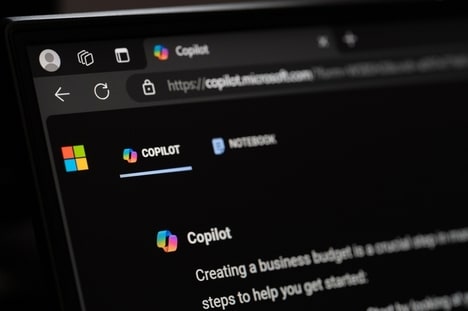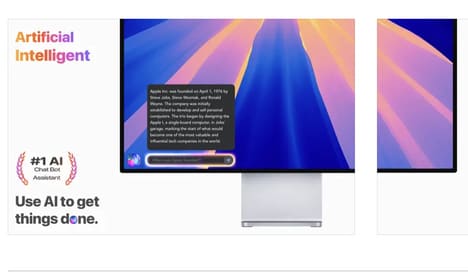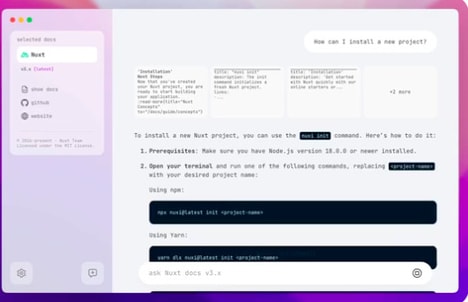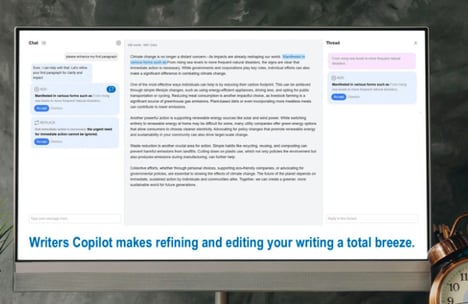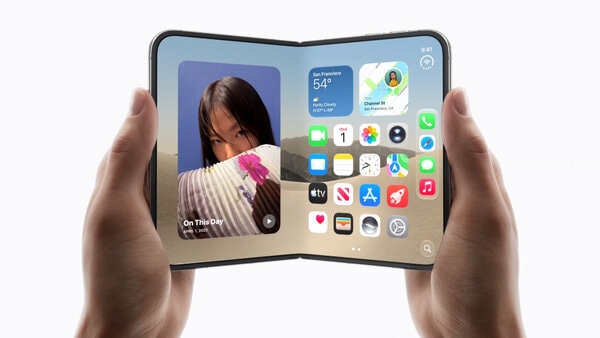
Copilot for Mac is Microsoft’s AI assistant adapted for the macOS environment, offering users access to conversational AI capabilities directly on their desktop. The application supports text and image generation, image uploads, and contextual responses designed to assist with research, writing, and problem-solving tasks.
Built-in features such as a shortcut launcher and dark mode align the tool with native macOS workflows, reducing friction for everyday use. The “Think Deeper” capability is intended to support more complex reasoning and extended responses, which can be useful for analysis-heavy tasks. For business users, Copilot for Mac functions as a general-purpose productivity aid, helping streamline information gathering, content drafting, and ideation without switching platforms. Its design emphasizes accessibility and cross-modal input rather than specialization in a single workflow or industry.
Image Credit: Copilot for Mac
Key Themes Behind This Trend
- Cross-platform AI Integration
- Seamless integration of AI assistants across different operating systems enhances productivity by eliminating the need to switch platforms.
- Conversational AI in Desktop Applications
- The rise of conversational AI tools within desktop environments transforms the way users interact with technology for research and task management.
- Multi-modal User Interfaces
- Combining text, image, and contextual response capabilities offers users a versatile approach to accessing AI-driven solutions.
Where This Applies
- Personal Productivity Software
- Incorporating AI into productivity tools provides opportunities for software developers to create intuitive, cross-platform applications.
- Artificial Intelligence Solutions
- The expansion of AI capabilities into various desktop applications presents opportunities for companies focusing on developing versatile AI technologies.
- Macos Software Development
- Specializing in creating AI tools for specific operating systems can drive innovation in user interface design and functionality alignment.