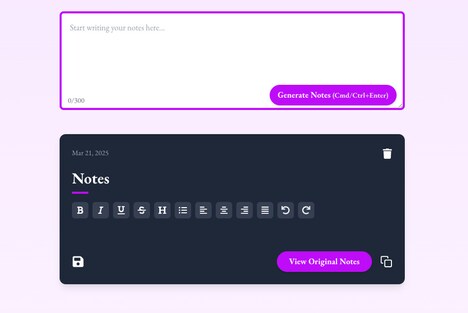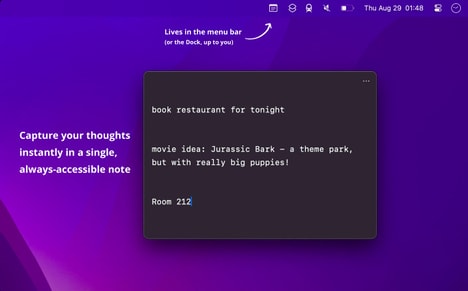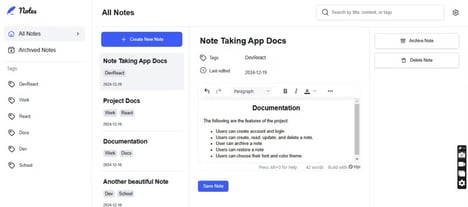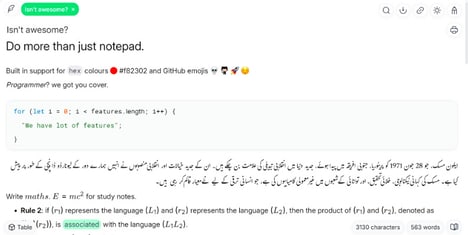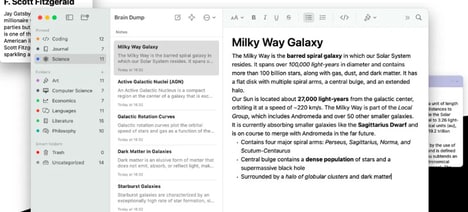
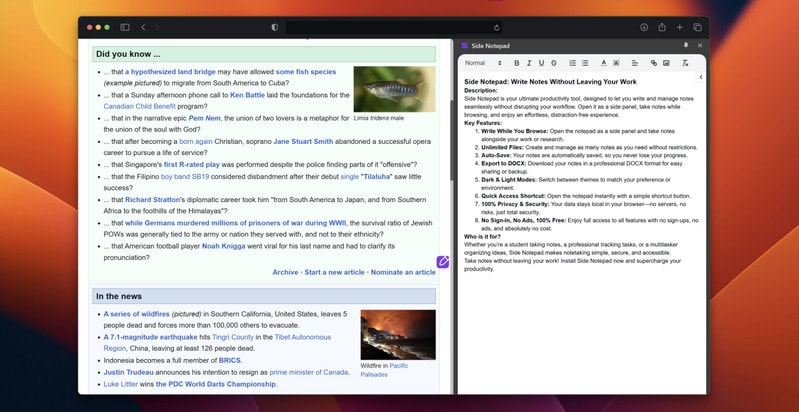
Side Notepad is a minimalist note-taking tool designed to integrate seamlessly into daily workflows. It enables users to write and organize notes in a side panel without switching tabs or disrupting their focus.
With features like unlimited notes, auto-save, and export to DOCX, it caters to professionals who value efficiency and simplicity. The tool supports both light and dark modes, offering flexibility for different work environments, while maintaining a strong emphasis on privacy — no ads, tracking, or account sign-ups are required. For business users and multitaskers, Side Notepad provides a lightweight alternative to full-featured productivity suites, allowing for quick documentation, brainstorming, or task management. Its unobtrusive design aligns with modern productivity practices that prioritize focus and uninterrupted workflow.
Image Credit: Side Notepad
What's Driving This Trend
- Minimalist Productivity Tools
- Enhancing user concentration by avoiding cluttered interfaces paves the way for software designed with streamlined, essential-only features.
- Seamless Workflow Enhancements
- Innovations that minimize workflow disruptions open opportunities for tools that integrate smoothly into daily routines without requiring constant user attention.
- Privacy-focused Applications
- Growing consumer demand for privacy and data security fuels the development of applications that eliminate ads, tracking, and user account requirements.
Who This Affects Most
- Productivity Software
- The quest for distraction-free work environments is driving a shift towards highly efficient, simplistic productivity tools that emphasize user focus.
- Note-taking Solutions
- Demand for tools that blend effortlessly into users' existing habits is transforming the note-taking landscape with integrations that prioritize unobtrusive access and ease.
- Digital Privacy and Security
- As privacy concerns rise, there is a continual push for software that guarantees user data protection without compromising on functionality or user experience.