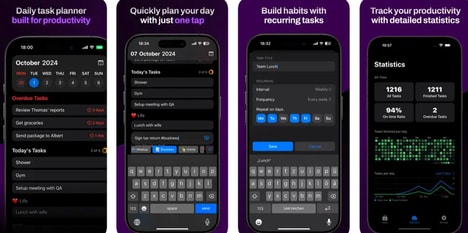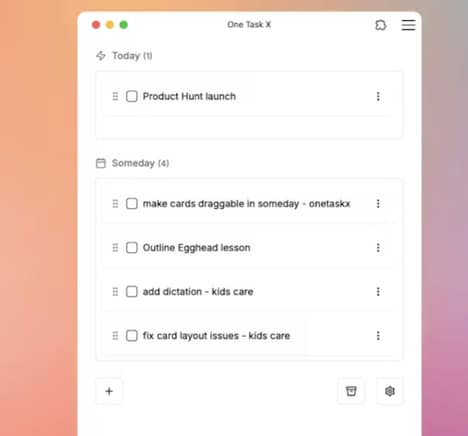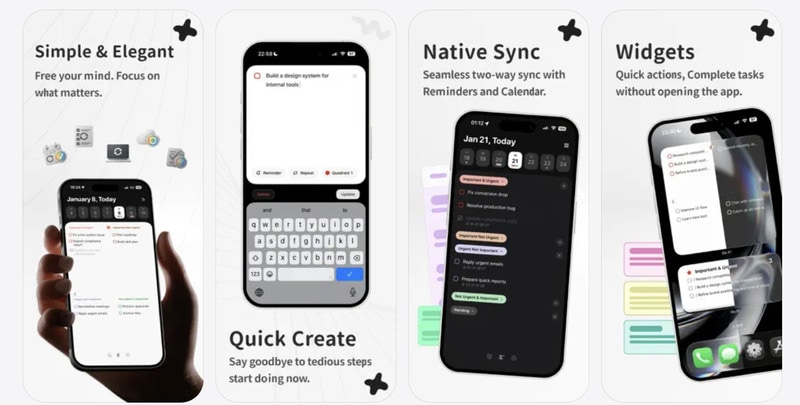
Do It! is a minimalist task manager and productivity application designed to streamline daily planning and focus. The app offers a minimalist interface, emphasizing simplicity and reducing distractions while allowing users to organize tasks quickly.
Core features include a four-quadrant board for prioritizing activities, integration with reminders and calendar apps, and seamless iCloud sync across devices, ensuring tasks remain updated in real time. Users can capture tasks rapidly, manage priorities visually, and access functional widgets for an overview of their schedule. While the platform does not provide advanced project management features for large teams, it is tailored for individuals or small teams seeking a focused workflow. By combining task capture, prioritization, and scheduling in a clean interface, Do It! supports efficient daily task management and productivity tracking.
Image Credit: Do It!
What's Driving This Trend
- Minimalist Productivity Interfaces
- A stripped-down UI that reduces cognitive load and surface-level features could enable new apps to capture users who prioritize focus over complexity.
- Quadrant-based Prioritization
- Visual four-quadrant task sorting introduces an intuitive cognitive model that can redefine how individuals assess urgency and importance in daily workflows.
- Seamless Cross-device Sync
- Real-time syncing across personal devices establishes expectations for continuity that may shift value toward lightweight, always-updated task experiences.
Who This Affects Most
- Personal Productivity Apps
- A market focused on individual users could be reshaped by simple, fast-capture tools that replace feature-rich but cluttered competitors.
- Small Team Collaboration Tools
- Teams with lightweight coordination needs might gravitate toward minimalist task solutions that prioritize clarity and speed over heavyweight project features.
- Calendar and Reminder Platforms
- Integration-first calendar and reminder services could expand into task prioritization by embedding visual prioritization metaphors and cross-platform sync.