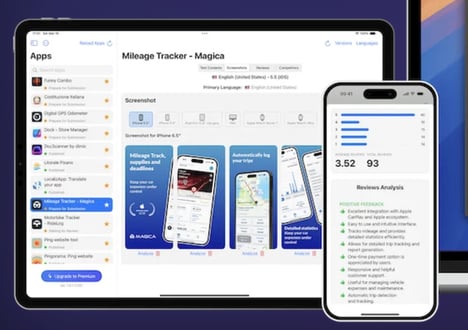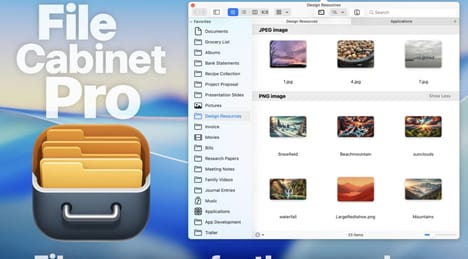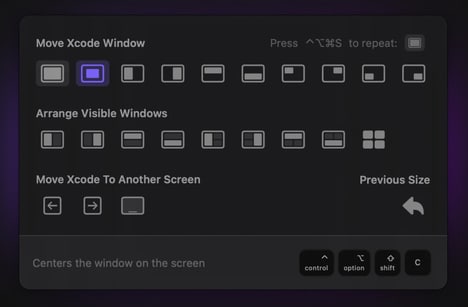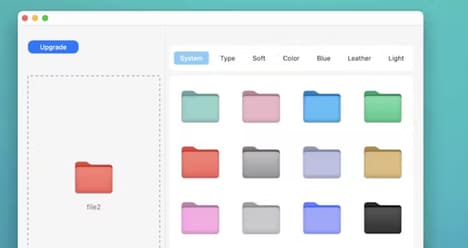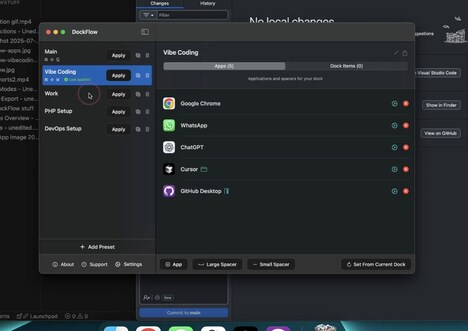
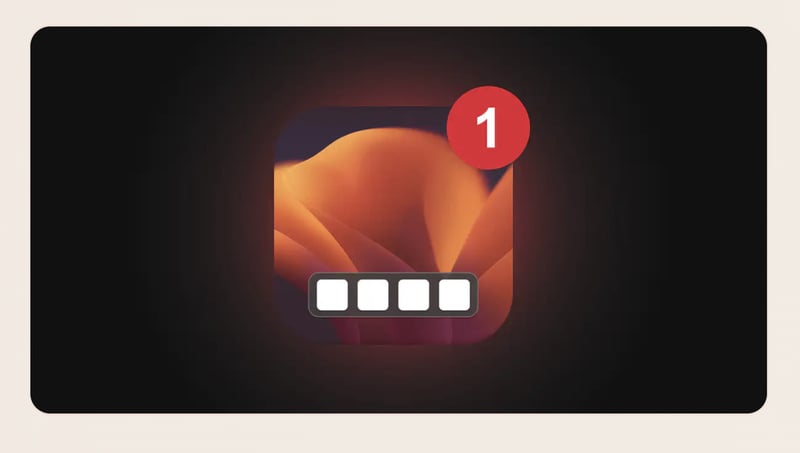
The macOS Dock is an essential part of the everyday workflow, but many users want more control over how it looks and functions. DockFix gives Mac users the ability to transform their standard Dock into a fully customisable command centre tailored to their preferences. The tool allows users to adjust visual elements such as colours, animations, app icons, and overall layout, creating a setup that matches their personal style and working habits.
Whether creating a clean minimalist interface or a more expressive desktop experience, DockFix provides the flexibility to redesign the Dock beyond Apple’s default options. By adding more control over organisation and appearance, the platform helps users create a workspace that feels more intuitive and personal. DockFix offers a simple way for macOS users to enhance their desktop experience while making everyday navigation more efficient and visually appealing.
Image Credit: DockFix
What's Driving This Trend
- Personalised Desktop Interfaces
- Customisation tools are reshaping operating system experiences by giving users greater control over visual identity, navigation flow, and workspace organisation.
- Workflow-centric UI Design
- Adaptive interface layers can transform static desktop elements into productivity hubs that reflect individual habits and task priorities.
- No-code System Customisation
- Accessible design controls are expanding demand for consumer-friendly utilities that personalise software environments without technical complexity.
Who This Affects Most
- Productivity Software
- Desktop enhancement platforms create opportunities for tools that combine personal expression with faster access to frequently used apps and functions.
- Operating Systems
- User demand for flexible interface control highlights space for modular OS experiences that extend beyond default design restrictions.
- Digital Design Tools
- Visual customisation utilities point to growing interest in lightweight design products that bring aesthetic control into everyday computing environments.