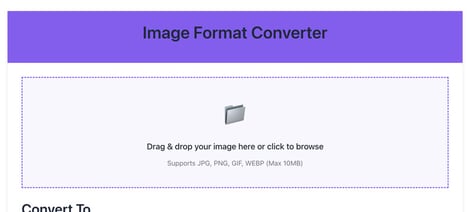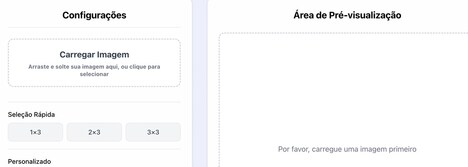



Bulk Crop Images is a web-based image processing tool designed to crop multiple image files in a single workflow. It supports common formats such as JPG, PNG, and GIF, allowing users to define a consistent crop area or apply preset aspect ratios across a batch of images.
The tool operates through a browser interface, enabling users to upload, adjust, and download files without installing additional software. It is typically used by professionals managing large volumes of visual content, including marketers, designers, and e-commerce teams. By applying uniform edits across multiple files simultaneously, it reduces manual effort and ensures consistency in output. The tool reflects broader trends in lightweight digital utilities that prioritise speed, accessibility, and efficiency for repetitive media tasks within content production and digital asset management workflows.
Image Credit: Bulk Crop Images
What Makes This Trend Stand Out
- Batch Image Processing
- Growing demand for simultaneous edits across large image sets creates potential for scalable systems that dramatically lower per-image processing time and variance.
- Browser-based Editing
- The shift toward fully web-native tooling highlights opportunities for lightweight, install-free utilities that deliver near-desktop functionality through the browser.
- Preset-driven Consistency
- Widespread use of reusable aspect ratios and crop templates points to value in automated rule-based workflows that guarantee uniform visual presentation.
Sectors Adopting This
- E-commerce
- Product catalogues with thousands of SKUs benefit from consistent imagery, creating room for services that ensure uniform framing and optimized export for multiple channels.
- Digital Marketing
- Campaign teams reliant on rapid asset turnover require predictable visual output, suggesting demand for tools that enforce brand-aligned composition at scale.
- Digital Asset Management
- Centralized libraries managing diverse media types present opportunities for integrated batch-edit capabilities that preserve metadata while normalizing presentation.