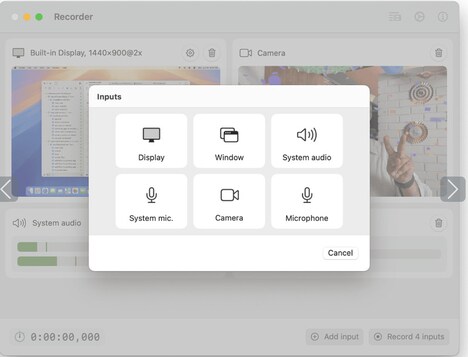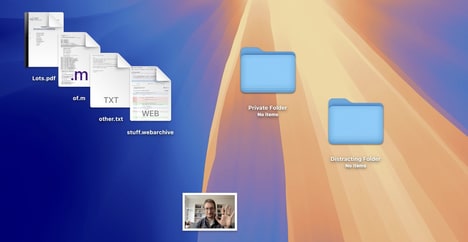
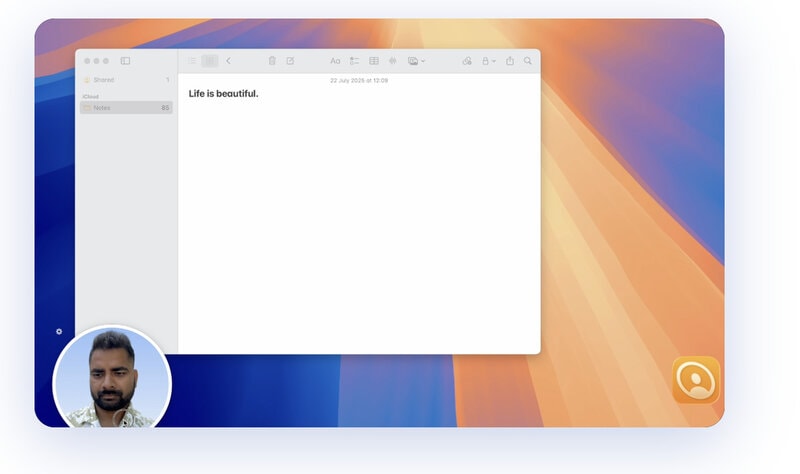
Video calls, presentations, and livestreams often require users to switch between windows while keeping themselves visible on screen. MoFace is a live camera app for macOS that lets users float their camera feed above other applications.
Users can customise the appearance of their camera window, add labels, switch between cameras, and flip their view with ease. Designed for video calls, presentations, streaming, and other on-camera work, MoFace provides a flexible way to keep yourself visible without interrupting your workflow. Its customisable layout also gives users more control over how they appear on screen. MoFace makes it easier to stay present and visually engaging while working across multiple applications.
Its floating design makes it especially useful for creators, presenters, and remote workers who want to stay visible without sacrificing screen space.
Image Credit: MoFace
What's Driving This Trend
- Floating Video Overlays
- Persistent camera windows create new value in multitasking environments by blending presenter visibility with uninterrupted access to work tools.
- Customizable On-screen Presence
- Personalized framing, labels, and visual controls point to demand for more branded and context-aware video appearances across digital workspaces.
- Creator-friendly Productivity Tools
- Lightweight utilities that support streaming, presenting, and remote collaboration are reshaping how solo professionals manage production quality without complex software.
Who This Affects Most
- Remote Work Software
- Video-first workflow enhancements expand the role of collaboration platforms beyond meetings into continuous presence and screen-based productivity.
- Livestreaming Technology
- Flexible camera layering offers streamers simpler ways to maintain audience engagement while navigating apps, dashboards, and content sources.
- Presentation Software
- Integrated presenter visibility features can differentiate digital presentation tools by making speakers feel more present during demos, training, and virtual events.