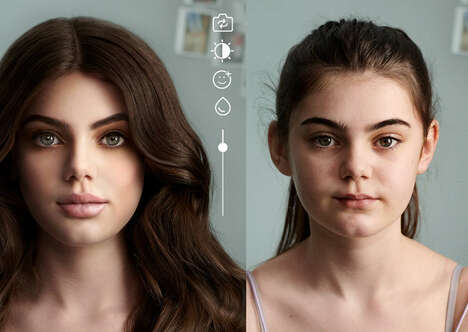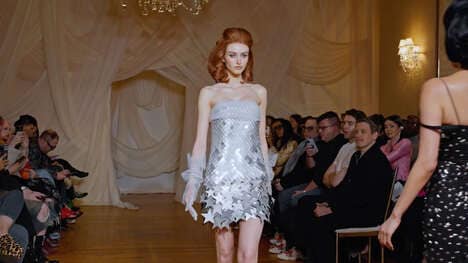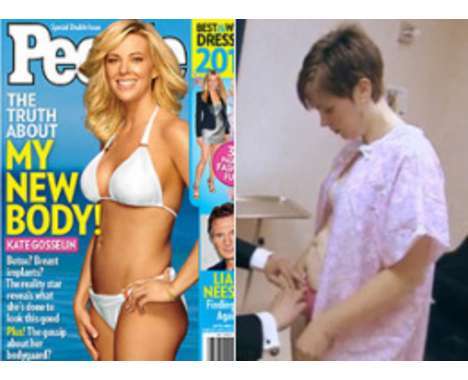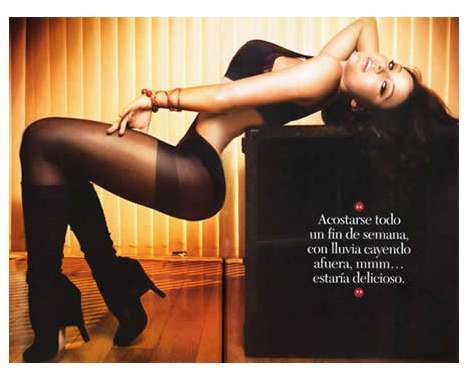
You've heard about them doing it to models and celebrities, and now ordinary people are doing it too. The Photoshop diet is the digital manipulation of photos to make the body look slimmer or in some cases fatter.
Look up "Photoshop fat to thin" on YouTube and countless emails pop up in the style of the Dove evolution adds. As calorielab points out, they show the transition from before to after, mostly on women, but as the video above show, on male models too.
Most of these videos are pretty extreme, and mostly done just for fun. Worth1000.com, a website known to host extremely creative Photoshop contests, has hosted extreme digital makeover competitions like slim celebrities turned obese and other celebrities made anorexic, complete with bobble heads. Examples from both can be seen in the gallery.
Why This Trend Is Growing
- Digital Body Manipulation
- Opportunity for software and app developers to create user-friendly tools for digitally altering body appearances.
- Extreme Digital Makeover Competitions
- Potential for creative platforms or websites to host competitions focused on extreme digital makeovers.
- Body Image and Self-perception
- Space for psychologists and mental health professionals to explore the effects of digital body manipulation on self-esteem and body image.
Industries Being Reshaped
- Software Development
- Disruptive innovation opportunity for software developers to create advanced photo editing tools with body manipulation features.
- Creative Platforms
- Opportunity for creative platforms to host competitions and provide space for artists and designers to showcase extreme digital makeovers.
- Mental Health and Psychology
- Potential for mental health professionals to study and address the impact of digital body manipulation on individuals' mental well-being and self-perception.