




Zone Share Enables Selective Screen Sharing While Protecting Private Data
Ellen Smith — February 14, 2026 — Tech
References: zoneshare.app
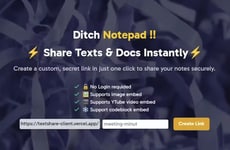
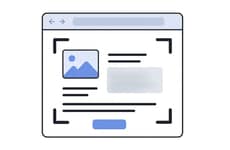
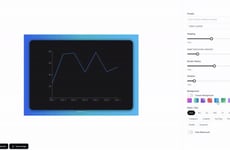
Zone Share is a screen sharing utility designed for modern, privacy-aware workflows, particularly for users working on ultra-wide displays. Instead of broadcasting an entire screen, it allows presenters to define a precise sharing zone with adjustable size, position, and common aspect ratios.
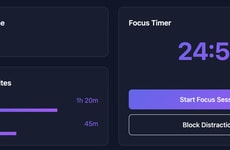
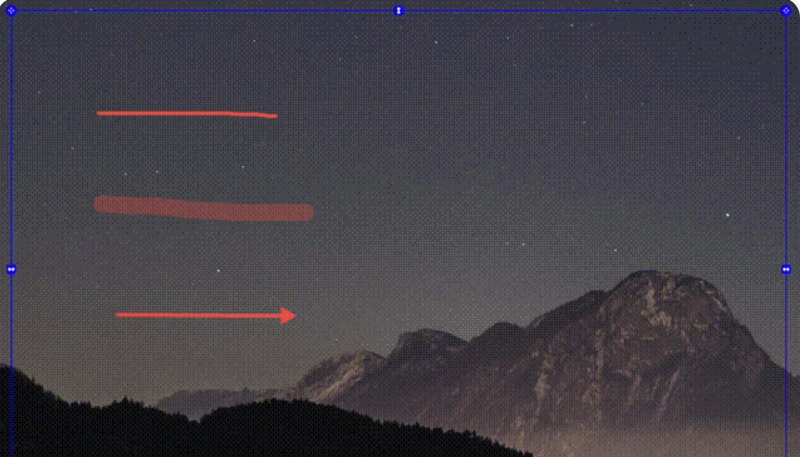
This helps teams maintain visual clarity in meetings while avoiding unnecessary exposure of unrelated content. The tool also introduces selective blurring at the application, browser tab, or full-screen level, addressing common confidentiality concerns during live calls. Built-in annotation tools and global hotkeys support real-time collaboration without interrupting presentations. From a business perspective, Zone Share reflects growing demand for granular control, privacy protection, and presentation efficiency in remote and hybrid work environments, where screen sharing is frequent and information boundaries must be actively managed across distributed teams today globally.
Image Credit: Zone Share
This helps teams maintain visual clarity in meetings while avoiding unnecessary exposure of unrelated content. The tool also introduces selective blurring at the application, browser tab, or full-screen level, addressing common confidentiality concerns during live calls. Built-in annotation tools and global hotkeys support real-time collaboration without interrupting presentations. From a business perspective, Zone Share reflects growing demand for granular control, privacy protection, and presentation efficiency in remote and hybrid work environments, where screen sharing is frequent and information boundaries must be actively managed across distributed teams today globally.
Image Credit: Zone Share
Trend Themes
-
Granular Screen Sharing — Defined sharing zones and selective blurring minimize unintended information leaks, prompting privacy-first collaboration paradigms.
-
Contextual Privacy Controls — Adaptive controls at the application, tab, or full-screen level create environments where confidentiality is preserved during live interactions.
-
Ultra-wide Display Optimization — Workflows tailored to ultra-wide and multi-monitor setups shift interface design toward spatially aware separation of personal and shared workspaces.
Industry Implications
-
Video Conferencing Software — Integration of zone-based sharing and lightweight annotation could transform conferencing platforms into secure, enterprise-grade collaboration suites.
-
Cybersecurity and Data Loss Prevention — Selective blurring and scoped sharing introduce an endpoint-sensitive layer of protection that complements traditional DLP strategies.
-
Remote Work Productivity Tools — Privacy-respecting features for expansive displays can lead productivity apps toward more context-aware, boundary-preserving experiences.
3
Score
Popularity
Activity
Freshness