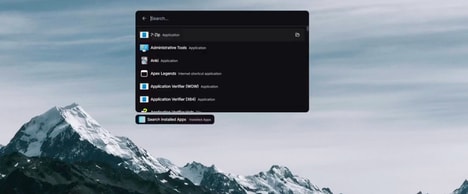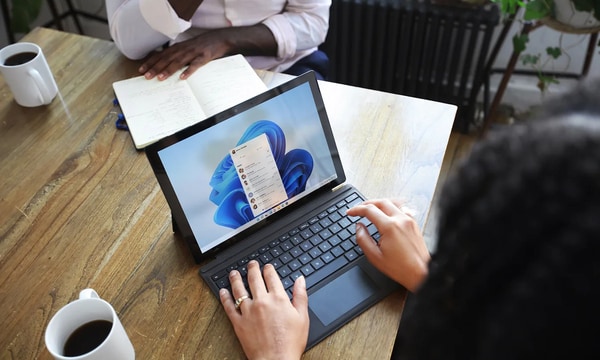
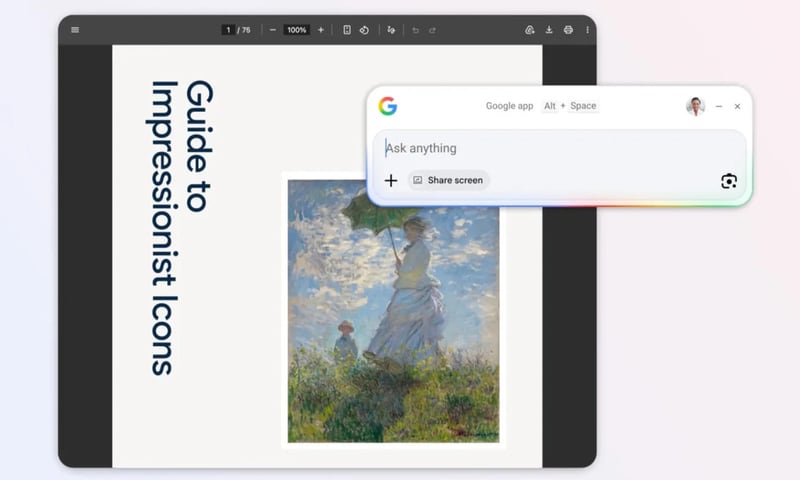
Google introduced the Google app for Windows, a desktop application that puts a universal search box a keystroke away, featuring an Alt + Space shortcut that summons results across files, apps, Drive and the web. The app graduated from Search Labs and is now globally available in English for Windows users, delivering results without opening a browser tab.
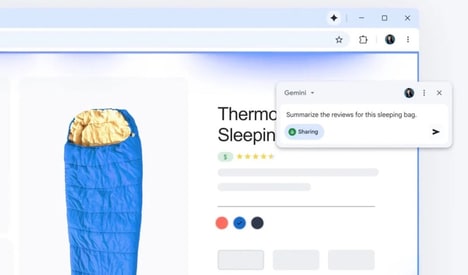
Built-in tools extend the search: Google Lens is integrated so users can click to search on-screen images, translate text, or solve problems directly, and a screen-sharing option lets people keep content visible while asking follow-up questions. An AI Mode provides conversational, context-aware answers with internet-connected citations.
For consumers this compresses discovery into a single workflow, replacing repeated browser searches and mirroring macOS Spotlight behavior while adding Google-native features. The rollout signals intensified competition for desktop search, offering a faster, multimodal way to find information on Windows machines.
Image Credit: Google
Key Themes Behind This Trend
- Universal Desktop Search
- A single, system-wide search input that surfaces files, apps, cloud content and web results could consolidate fragmented discovery workflows and redefine information access on personal computers.
- Keystroke-activated Tools
- Instant access to functionality via global shortcuts positions transient UI overlays as primary interaction gateways rather than secondary app windows.
- Multimodal Search Integration
- Combining text, image recognition and conversational AI in one interface enables richer context-aware queries that blur the line between local content and live internet knowledge.
Where This Applies
- Enterprise Software
- Corporate productivity suites and knowledge management platforms stand to be upended by search tools that unite internal documents, SaaS apps and web resources into one discoverable index.
- Operating Systems
- Desktop OS vendors may face renewed pressure to embed competitive, privacy-aware universal search capabilities that shift user attention away from traditional file managers and browsers.
- Digital Assistants
- Voice and text-based assistant developers could see their role transformed as multimodal, keystroke-invoked assistants become the default front-end for information retrieval on desktops.